


Best Business Laptops in Kenya: How to Choose the Right Laptop for Your Work
Running a business requires you to make decisions, communicate with customers, manage finances, prepare reports and keep operations moving. The right laptop can make these tasks easier, whether you operate a small shop in Nairobi, manage a company, work remotely or run a growing business outside the city.
But which laptop should you buy?
The best business laptop is not necessarily the most expensive one. It is the machine that handles your daily workload reliably, fits your budget and gives you the features you need to work efficiently.
At Joo Computers, we help customers compare laptops according to their work requirements and budgets. This guide explains how to choose a business laptop in Kenya, what specifications matter, which laptop families to compare and how to avoid costly buying mistakes.
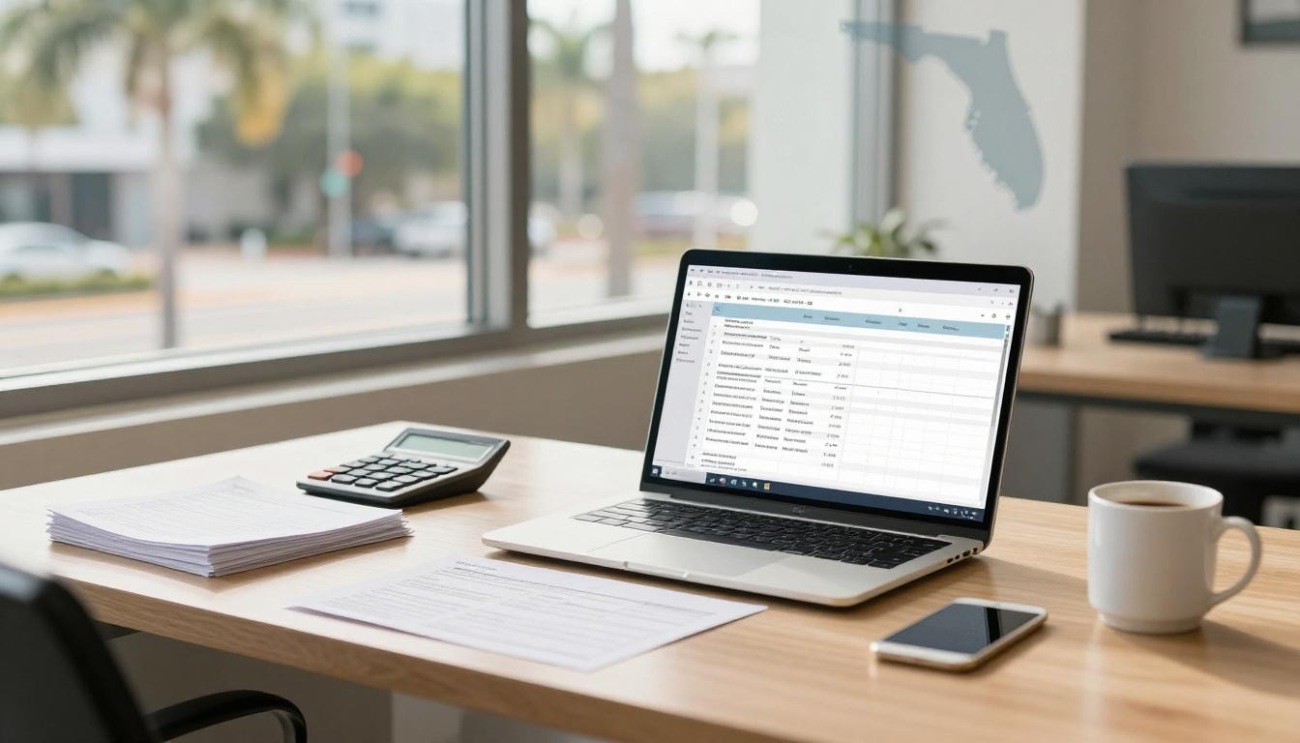
1. What makes a laptop suitable for business?
A business laptop should help you work efficiently and reliably. The ideal configuration depends on your business activities.
For example, a shop owner who uses spreadsheets, email and a point-of-sale system may have different requirements from an accountant working with large financial files or a manager attending video conferences throughout the day.
When comparing business laptops, focus on these features.
Performance
Your processor and RAM determine how well the laptop handles applications and multitasking. If you regularly use spreadsheets, accounting software, email and many browser tabs, adequate memory is particularly important.
SSD storage
An SSD helps your laptop start quickly and load applications responsively. It also provides a more comfortable everyday experience than relying on a slow mechanical hard drive.
Battery life
A good battery is useful when travelling, visiting clients or working away from a desk. If you are buying a refurbished laptop, check its actual battery condition rather than relying on the model’s original advertised battery life.
Keyboard and display
Business users often type for long periods and work with documents, spreadsheets and presentations. A comfortable keyboard and clear display can make a noticeable difference.
Connectivity
Consider whether you need USB-A, USB-C, HDMI, Ethernet or connections for external monitors and docking stations.
Security and support
Depending on the model, features such as a fingerprint reader, webcam privacy shutter and TPM support may be useful. Also check the warranty and after-sales support available with the specific laptop.
2. Best business laptop brands to consider in Kenya
HP, Dell and Lenovo all offer laptop families suitable for professional work. The right choice depends on the model, configuration, condition and price.
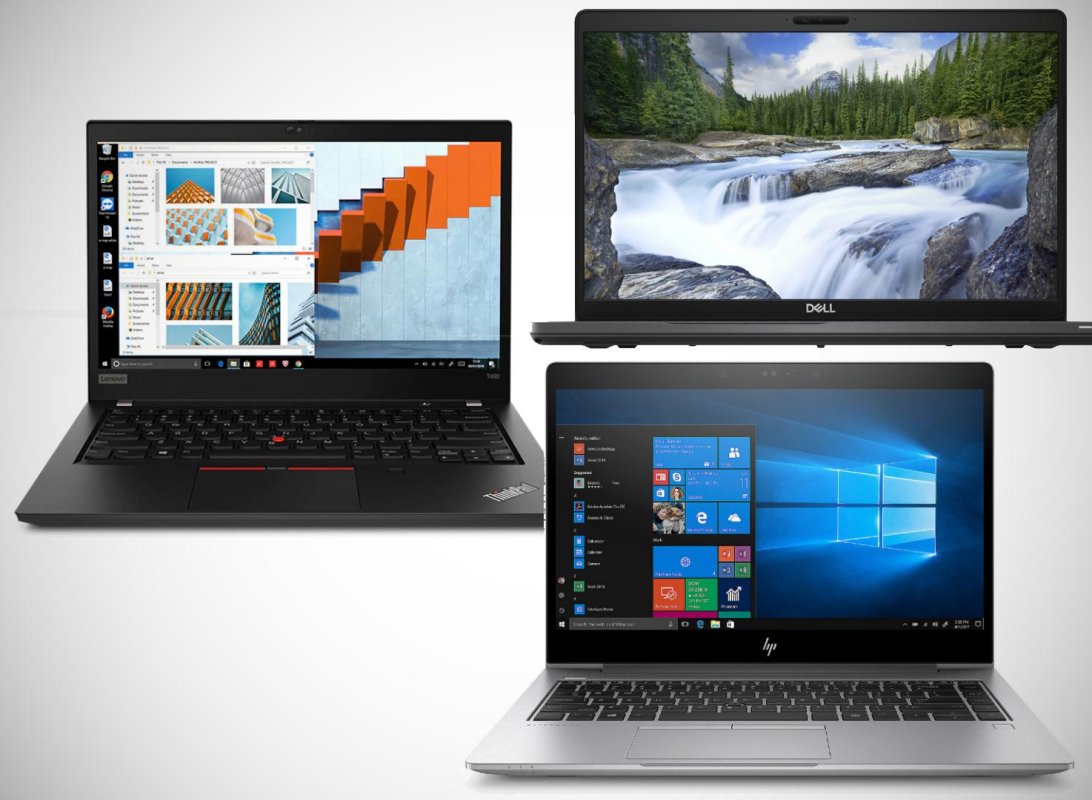
HP EliteBook and HP ProBook
HP EliteBook and ProBook models are worth comparing for office productivity, management, accounting and business travel.
Depending on the model, they may offer business-oriented security features, practical ports and a professional design.
Consider an HP business laptop if you need a machine for:
- Email and document preparation.
- Accounting and spreadsheets.
- Customer management systems.
- Remote meetings.
- General business administration.
Check the exact processor, RAM, SSD capacity, screen and battery condition before purchasing.
Dell Latitude
Dell Latitude laptops are designed for business-oriented use and are worth comparing for office work, management and remote productivity.
Selected models may provide useful connectivity and docking options, depending on the configuration.
Consider a Dell Latitude if you need a laptop for spreadsheets, presentations, business applications or working with external displays.
Lenovo ThinkPad
Lenovo ThinkPad laptops are worth considering if your work involves extensive typing, programming, documentation or general office productivity.
Different ThinkPad models have different performance levels and features, so compare the exact model rather than relying on the ThinkPad name alone.
Important: These are laptop families to compare, not a guarantee that every model is currently available at Joo Computers. Confirm the actual stock, configuration and price before deciding.
3. Which business laptop should you choose for your budget?
Your budget helps determine which configurations are realistic. The following ranges are general buying guidelines, not promises of current market prices or available stock.
| Budget | What to consider |
|---|---|
| Under KSh 35,000 | Everyday office work, documents, browsing and basic administration |
| KSh 35,000–50,000 | Compare business-class configurations with stronger memory and storage |
| KSh 50,000–75,000 | Explore higher-specification professional laptops, depending on availability |
| Above KSh 75,000 | Consider more demanding workloads, premium features or specialist requirements |
A laptop’s suitability depends on more than its price. A lower-cost machine may be adequate for basic business tasks, while a professional using specialised software may need more processing power, RAM or graphics capability.
If you are working within a fixed budget, identify your essential requirements first. This prevents you from paying for features you do not need.

4. How much RAM does a business laptop need?
RAM helps your laptop manage applications that are running simultaneously.
- 8GB RAM: A practical starting point for documents, email, browsing and lighter office workloads.
- 16GB RAM: A useful target for multitasking, large spreadsheets, accounting applications and heavier everyday work.
- 32GB RAM or more: Worth considering for specialised software, virtual machines and demanding professional workloads.
For many small businesses, 8GB may be adequate for basic tasks, but 16GB offers more flexibility if your budget permits.
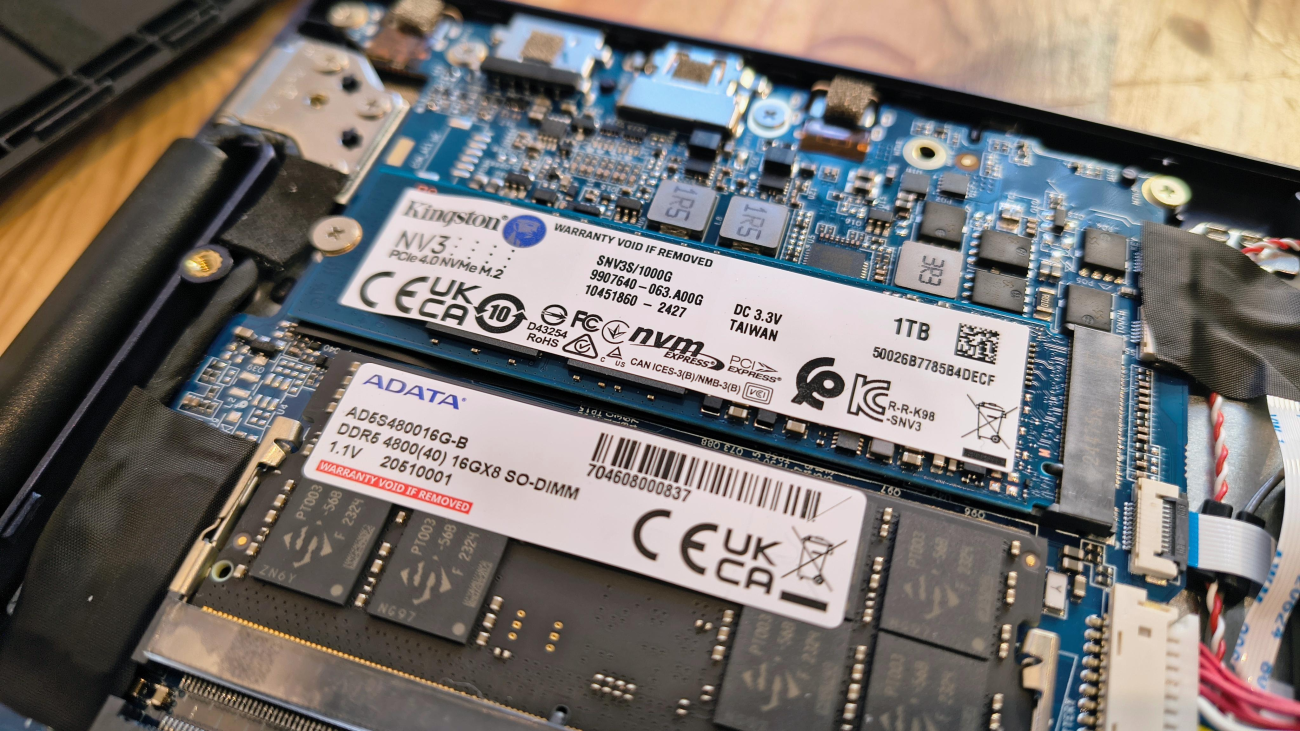
Check whether the laptop supports memory upgrades. Some models have soldered RAM, which cannot be replaced in the same way as a removable module.
5. How much SSD storage should you choose?
Storage determines how much data you can keep on your laptop. The type of storage also affects everyday responsiveness.
256GB SSD: Can suit lighter workloads where most documents are stored online or externally.
512GB SSD: A practical choice for many business users who store documents, applications and work files locally.
1TB SSD: Useful if you manage large files, project data or substantial offline records.
If you use cloud storage, you may not need a very large drive. However, businesses that handle large datasets, design files or video content should estimate their actual storage requirements before buying.
6. Best business laptops for different types of work
For accountants and finance teams
Accounting work often involves spreadsheets, financial reports, accounting software and multiple browser tabs.
Look for sufficient RAM, SSD storage, a comfortable keyboard and a display that makes spreadsheets easy to read. If you frequently connect external monitors, check the laptop’s display outputs.
For managers and business owners
Managers may spend their time writing reports, preparing presentations, attending meetings and communicating with clients.
Portability, battery condition, webcam quality and dependable everyday performance may matter more than specialist graphics hardware.
For sales and marketing teams
Sales and marketing professionals may use CRM systems, spreadsheets, presentation tools, video meetings and content applications.
Choose a laptop that comfortably supports the applications you use. If your work includes video editing or advanced design, check the graphics and memory requirements carefully.
For programmers and IT professionals
Programming requirements vary. Web development and general coding may work well on a suitable business laptop, while virtual machines, emulators and complex development environments may need more RAM and processing power.
A comfortable keyboard, SSD and compatible operating system are important considerations.
For remote teams
Remote workers need reliable connectivity, a usable webcam and microphone, sufficient battery runtime and a configuration that supports their collaboration tools.
If you regularly work away from a desk, also consider weight and charging convenience.
7. Should your business buy new or refurbished laptops?
A business laptop does not have to be brand new to be useful. Refurbished or ex-UK business laptops can offer attractive specifications for the budget, but their condition varies.
| Factor | New laptop | Refurbished or ex-UK laptop |
|---|---|---|
| Condition | Usually unused | Varies by unit |
| Battery | Check warranty and stated condition | Test actual battery health |
| Specifications | Depend on price category | May offer higher-tier specifications |
| Warranty | Depends on manufacturer and seller | Confirm the specific seller’s terms |
| Value | Depends on model and price | Can be attractive after inspection |
Before purchasing a refurbished laptop, check the battery, keyboard, screen, ports, SSD and charger. Ask whether any components have been replaced and what the warranty covers.
For a business, reliability and support are important because a laptop problem can interrupt daily operations.
8. Common mistakes when buying business laptops
Avoid these common buying mistakes:
Choosing by processor label alone. A Core i7 is not automatically better than every Core i5. Compare exact models and generations.
Ignoring RAM. A laptop with insufficient memory may struggle when several applications are open.
Buying too little storage. Consider how much data your business needs to keep locally.
Ignoring battery condition. This is particularly important for refurbished laptops.
Buying a laptop that cannot run your software. Check the application’s minimum and recommended requirements before paying.
Assuming every business laptop has the same features. Screen quality, ports, RAM upgrades and connectivity vary between models.
Ignoring the warranty. Confirm what is covered and how faults will be handled.
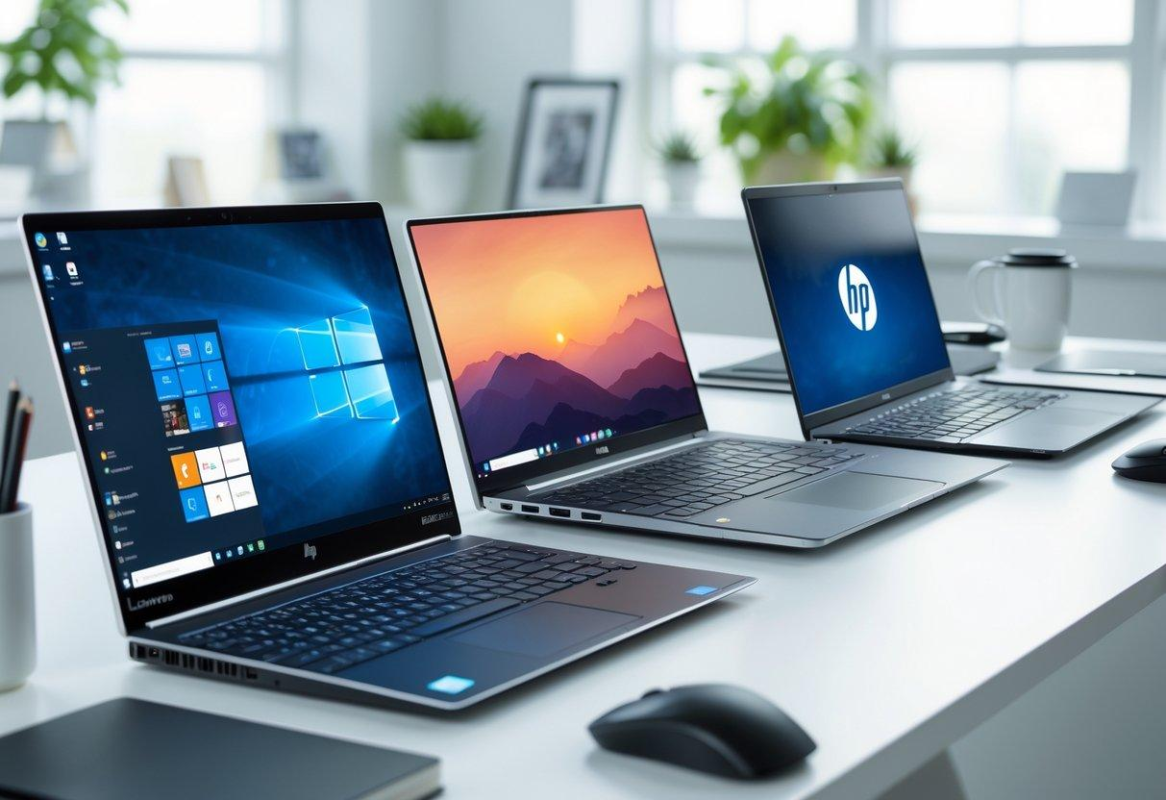
9. What to check before purchasing a business laptop
Use this checklist before paying for a laptop.
Business laptop buying checklist
Confirm the exact processor model and generation
Check RAM capacity and upgrade options
Verify SSD capacity and health
Inspect screen, keyboard and touchpad
Test USB, HDMI, USB-C and charging ports
Check Wi-Fi, webcam, microphone and speakers
Inspect battery condition and charging
Confirm compatibility with your business software
Check charger, warranty and receipt
Confirm the final price and availability
For business-critical use, make sure the laptop meets your requirements before purchase and that you understand the available warranty and support arrangements.
10. Where to buy business laptops in Nairobi
When buying a laptop for business, compare the specifications, condition, warranty and after-sales support—not just the advertised price.
At Joo Computers, you can enquire about available HP, Dell, Lenovo and other laptop options for office work, management, accounting, programming and remote productivity.
Current models, configurations and prices depend on stock. Contact us to confirm availability before visiting or ordering.
Visit Joo Computers
Technology | Trust | Solutions
- Location: Along Moi Avenue, Iconic Business Plaza, 4th Floor, Shop J7, Nairobi.
- Call / WhatsApp: 0717 183 590.
- Delivery: Available across Kenya.
Tell us your budget, the applications you use and the type of work you do. We can help you compare the available options.
Find a business laptop for your needs
Contact Joo Computers to check current stock, specifications and prices.Enquire on WhatsApp
Frequently asked questions
Which is the best business laptop in Kenya?
The best laptop depends on your workload, budget and required software. HP EliteBook, HP ProBook, Dell Latitude and Lenovo ThinkPad models are worth comparing for many office and business tasks.
How much should I spend on a business laptop?
Set your budget according to the applications you use and the performance you require. Everyday office work may need less powerful hardware than design, programming or engineering work.
Is 8GB RAM enough for business use?
It can be enough for basic documents, email and browsing. For heavier multitasking, larger spreadsheets and more demanding applications, consider 16GB RAM.
Should I buy a new or refurbished business laptop?
Either can be suitable. Compare the specifications, physical condition, battery, warranty and overall value. Always test refurbished laptops before paying.
Are HP EliteBook, Dell Latitude and Lenovo ThinkPad good for business?
They are established business-oriented laptop families worth considering. However, the exact model and configuration matter more than the brand name alone.
Can I buy a business laptop under KSh 50,000?
Depending on current stock, you may find configurations suitable for office productivity and professional work within this budget. Confirm specifications and prices with the seller.
Can Joo Computers deliver business laptops outside Nairobi?
Joo Computers offers delivery across Kenya. Contact the shop to confirm the laptop, price and delivery arrangements.
Final advice: invest in the right tool for your business
The best business laptop is the one that supports your daily work reliably and fits your budget.
Identify your software requirements, choose suitable RAM and storage, inspect the display and battery, and compare the actual specifications before purchasing.
Need help choosing? Contact Joo Computers to compare available business laptops according to your work requirements and budget.
Joo Computers — Technology | Trust | Solutions
Along Moi Avenue, Iconic Business Plaza, 4th Floor, Shop J7, Nairobi.
Call / WhatsApp: 0717 183 590. Delivery available across Kenya.