


How to Choose the Right Laptop RAM in 2026
As technology advances, the demands placed on laptops continue to grow. One of the critical components that determine the efficiency and speed of a laptop is its Random Access Memory (RAM). In 2026, choosing the right RAM for your laptop isn’t just about size; it involves understanding various technical aspects, compatibility issues, and how your usage patterns influence your needs. This guide will help you navigate the complex landscape of laptop RAM so you can make an informed decision.
Understanding RAM: What It Is and Why It Matters
RAM is a type of volatile memory that temporarily stores the data your computer needs to access quickly. Unlike your laptop’s storage drive where data is saved permanently, the data in RAM is erased when the computer is turned off. This memory is crucial for running applications and multitasking efficiently.
In 2026, with the rise of more demanding software applications and operating systems, having sufficient RAM is more important than ever. It allows for faster data retrieval and smoother performance, especially if you are running multiple programs or working with large files.
Factors to Consider When Choosing Laptop RAM
Here are important factors to consider when selecting the right RAM for your laptop:
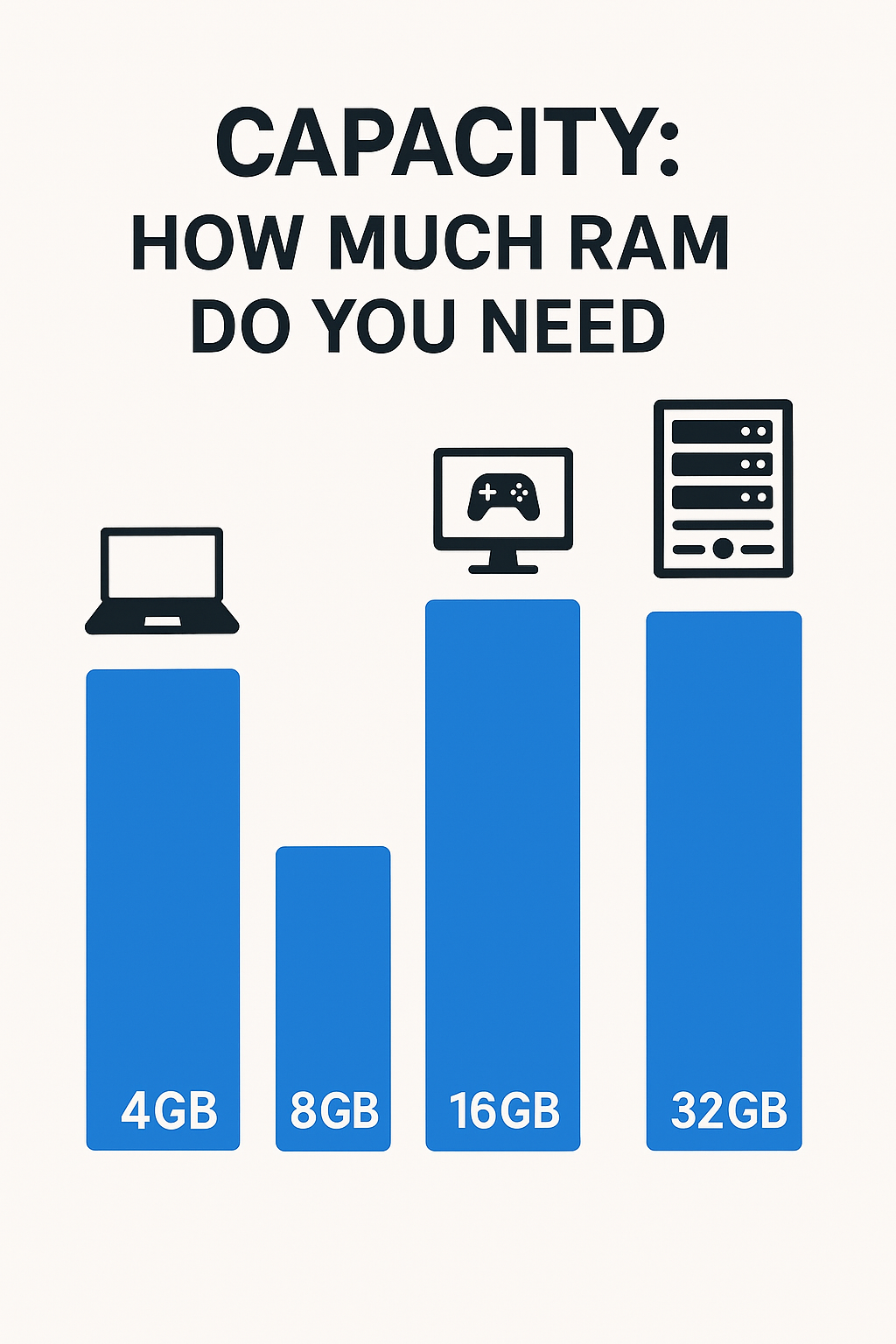
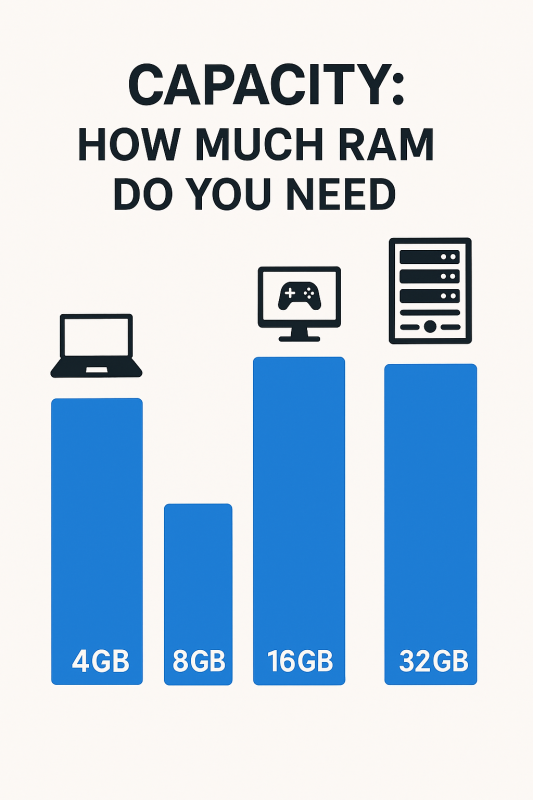
1. Capacity: How Much RAM Do You Need?
The amount of RAM you need largely depends on how you plan to use your laptop. For general usage, such as browsing the internet, streaming videos, or using office applications, 8GB of RAM might be sufficient. However, if you are a gamer, a graphic designer, or a programmer, you might require 16GB or even 32GB of RAM to ensure smooth performance.
Future-proofing is also a consideration. As software becomes more resource-intensive, opting for higher RAM can extend the lifespan of your laptop. Keeping an eye on trends in technology development can provide insights into where RAM requirements are headed.
2. Type: DDR4 vs. DDR5
In 2026, DDR5 RAM is becoming the standard, offering higher speeds and greater efficiency compared to its predecessor, DDR4. DDR5 RAM can significantly enhance your laptop’s performance, especially in tasks that require high memory bandwidth like video editing or 3D modeling.
Before purchasing, check if your laptop’s motherboard supports DDR5, as not all laptops are compatible. Manufacturers like Intel and AMD have been rolling out processors that support DDR5, but it’s essential to verify compatibility with your specific model.
3. Speed: The Importance of RAM Frequency
The speed of your RAM, measured in megahertz (MHz), affects how quickly it can process data. While higher-speed RAM can offer better performance, the difference may not be noticeable in all applications. For most users, a frequency of 3200MHz to 3600MHz is sufficient, but if you are engaged in high-performance computing, you might want to consider faster options.
4. Form Factor: SO-DIMM vs. DIMM
Laptops typically use SO-DIMM (Small Outline Dual In-line Memory Module) RAM due to space constraints, while desktops use DIMM (Dual In-line Memory Module). Ensure you purchase the correct form factor for your laptop, as they are not interchangeable.
How to Upgrade Your Laptop RAM
If you’re planning to upgrade the RAM in your existing laptop, here are the steps you should follow:
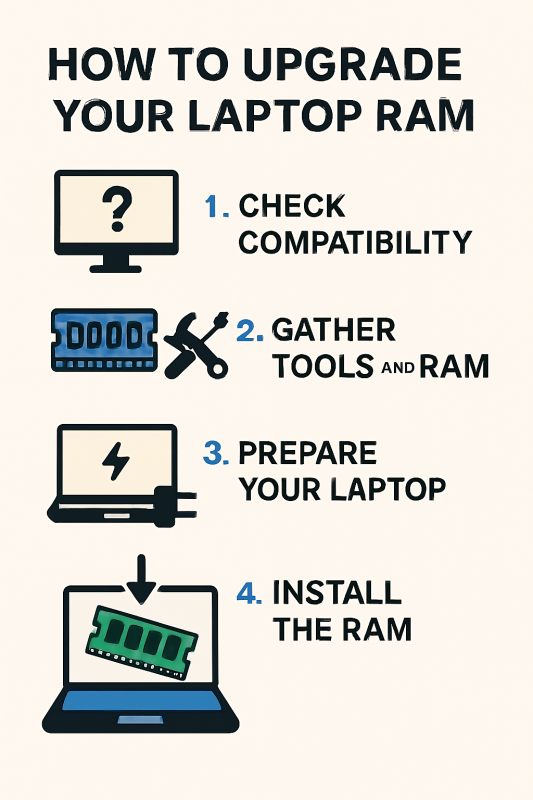
1. Check the Maximum RAM Capacity
Consult your laptop’s manual or the manufacturer’s website to determine the maximum RAM capacity and the number of slots available. Some laptops might have soldered RAM, making upgrades impossible.
2. Purchase Compatible RAM
Based on your laptop’s specifications, purchase RAM that matches the required type, speed, and capacity. Brands like Crucial and Kingston are reputable and offer tools to help identify compatible upgrades.
3. Install the RAM
To install the RAM:
- Turn off your laptop and unplug it from any power source.
- Open the back cover using a screwdriver, following the instructions in your laptop’s manual.
- Locate the RAM slots and gently insert the new RAM module at a 45-degree angle until it clicks into place.
- Replace the back cover and power on your laptop to ensure it’s recognized.
Common Mistakes to Avoid When Choosing Laptop RAM
1. Ignoring Compatibility
Always check compatibility with your laptop’s motherboard and processor. Installing incompatible RAM can lead to system instability or failure to boot.
2. Overlooking Latency
Latency, measured in nanoseconds, indicates how quickly the RAM can respond to a request. Lower latency can improve performance, but it’s often overlooked. Balance latency with speed for the best results.
3. Not Considering Dual-Channel Configuration
Using two sticks of RAM in a dual-channel configuration can improve performance over a single stick with the same total capacity. This setup allows for better bandwidth and efficiency.
Takeaways

Choosing the right RAM for your laptop is a crucial decision that impacts your device’s performance and longevity. By understanding the factors such as capacity, type, speed, and compatibility, you can ensure that your laptop meets your current and future needs. Whether you’re upgrading an existing laptop or configuring a new one, taking the time to make an informed decision about RAM will enhance your computing experience in 2026 and beyond.
For further insights into optimizing your laptop’s performance, consider exploring resources from PCMag and other reputable technology publications.
Advanced Considerations for Laptop RAM in 2026
As we delve deeper into the technical aspects of laptop RAM, there are some advanced considerations that tech enthusiasts and professionals should keep in mind. These factors can significantly influence the performance and scalability of your laptop.
1. ECC vs. Non-ECC RAM
Error-Correcting Code (ECC) RAM is designed for systems where data integrity is crucial, such as servers and workstations. ECC RAM can detect and correct common types of internal data corruption. While most consumer laptops use non-ECC RAM due to cost and complexity, professionals working with critical data might consider laptops that support ECC for added reliability.
2. The Impact of RAM Timings
RAM timing, often expressed in a series of numbers like 16-18-18-36, refers to the latency between different operations within the RAM. Lower timings can lead to faster performance, but the difference is often marginal compared to speed and capacity. Understanding how RAM timings affect performance can be beneficial when fine-tuning a high-performance machine.
3. The Role of Integrated Graphics

If your laptop utilizes integrated graphics, the amount of RAM you have can affect graphical performance. Integrated GPUs often share system memory, meaning that more RAM can lead to better graphics performance. This is an important consideration for users who engage in casual gaming or video editing on laptops without a dedicated GPU.
Future Trends in Laptop RAM
As we look to the future, several trends are emerging in the world of laptop RAM that could influence your purchasing decisions.
1. Increasing Adoption of LPDDR5
Low Power Double Data Rate 5 (LPDDR5) is becoming more common in ultrabooks and high-end laptops. This type of RAM offers improved power efficiency and performance, making it ideal for thin and light laptops that prioritize battery life without sacrificing speed.
2. The Rise of Hybrid RAM Solutions
Hybrid RAM solutions, which combine different types of memory technologies, are being explored to provide a balance between speed, capacity, and cost. These solutions could offer new opportunities for optimizing laptop performance, especially in devices designed for specific tasks like gaming or content creation.
3. Non-Volatile RAM Innovations
Non-Volatile RAM (NVRAM) retains data even when the computer is turned off, combining the speed of RAM with the persistence of traditional storage. While still in developmental stages, NVRAM could revolutionize computing by eliminating boot times and providing instant data access.
Practical Tips for Maximizing RAM Performance
Once you’ve selected the right RAM for your laptop, there are several strategies you can employ to maximize its performance.
1. Regular System Maintenance
Keeping your operating system and drivers up to date can help optimize RAM performance. Regularly clearing cache and unnecessary files can free up memory resources, ensuring your laptop runs smoothly.
2. Utilizing Virtual Memory Efficiently
Virtual memory allows your laptop to use part of your storage drive as additional RAM. Configuring virtual memory settings correctly can enhance performance, particularly if you frequently run out of physical RAM.
3. Monitoring RAM Usage
Tools like Task Manager in Windows or Activity Monitor on macOS can help you keep track of RAM usage. Monitoring these metrics can provide insights into whether you need to upgrade your RAM or adjust your software habits.
Takeaways
Choosing the right laptop RAM in 2026 involves more than just picking a size. By considering factors such as type, speed, compatibility, and advanced features, you can tailor your laptop’s RAM to suit your specific needs. As technology continues to evolve, staying informed about the latest trends and innovations can help you make decisions that enhance your laptop’s performance and longevity.
For a deeper understanding of computer memory technology, resources such as the Computerworld can provide valuable insights and updates. With the right information and a thoughtful approach, you can ensure your laptop is equipped to meet the challenges of tomorrow’s digital landscape.
Need help with How to Choose the Right Laptop RAM in 2026?
Ready to upgrade your tech? 🚀 Visit Joo Computers today for quality laptops, desktops, accessories, and expert support. 📞 Call / WhatsApp: 0717 18 35 90 📍 Location: Moi Avenue, Elegant Exhibition Shop A5, opposite Bihi Towers Walk in, call us, or message us now — let’s get you sorted!
Need help with How to Choose the Right Laptop RAM in 2026? Ready to upgrade your tech? 🚀 Visit Joo Computers today for quality laptops, desktops, accessories, and expert support. 📞 Call / WhatsApp: 0717 18 35 90 📍 Location: Moi Avenue, Elegant Exhibition Shop A5, opposite Bihi Towers Walk in, call us, or message us now — let’s get you sorted!