


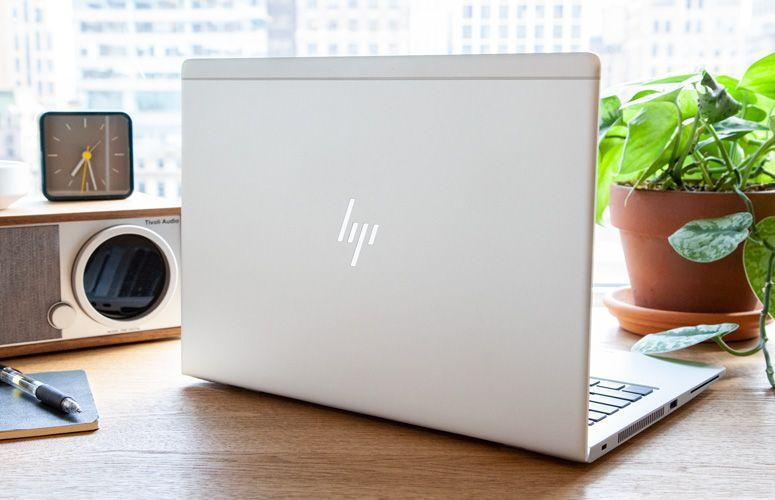
Best Laptop Under KSh 35,000 in Kenya (2026 Guide)
Are you searching for the best laptop under KSh 35k in Kenya? Whether you are a university student, business owner, freelancer, office worker or someone looking for an online job, you can find a laptop that handles everyday tasks without exceeding your budget.
The challenge is knowing which laptop offers the best value. Some machines have good processors but limited RAM. Others have attractive designs but poor battery life. And when buying a refurbished or ex-UK laptop, checking the actual condition is just as important as checking the specifications.
At Joo Computers, we help customers compare laptops according to their budgets and intended use. This guide explains what to look for, which laptop models to consider and how to make a more informed buying decision.
If you are comparing affordable laptops in Nairobi, start by understanding what you need the laptop to do before choosing a particular model.
1. What can you get for KSh 35,000 in Kenya
A budget of KSh 35,000 can be enough for everyday computing if you choose the right specifications.
Depending on current stock, you may find refurbished business laptops, ex-UK laptops in good condition, selected entry-level new laptops and older touchscreen or convertible models.
At this budget, you can look for a laptop suitable for:
- University assignments, research and online learning.
- Microsoft Word, Excel, PowerPoint and office applications.
- Browsing, email and video meetings.
- Freelancing and remote work.
- Small business operations and bookkeeping.
- Basic programming and web development.
However, two laptops selling at the same price may offer very different experiences. A business laptop with an SSD and adequate RAM may be more responsive than a machine with slow storage and insufficient memory.
Recommended specifications for a laptop under KSh 35,000
| Component | What to look for |
|---|---|
| Processor | Compare the exact model and generation |
| RAM | 8GB as a practical starting point |
| Storage | 256GB SSD or higher |
| Display | Clear screen without distracting defects |
| Battery | Check actual health and runtime |
| Connectivity | Working Wi-Fi, Bluetooth and essential ports |
If you regularly run several applications simultaneously, consider 16GB RAM if a suitable configuration is available within your budget.
2. Best laptop models to consider under KSh 35,000
The following models appeared in our earlier buying guide. Availability, specifications and prices can change, so contact Joo Computers to confirm the exact configuration currently available.
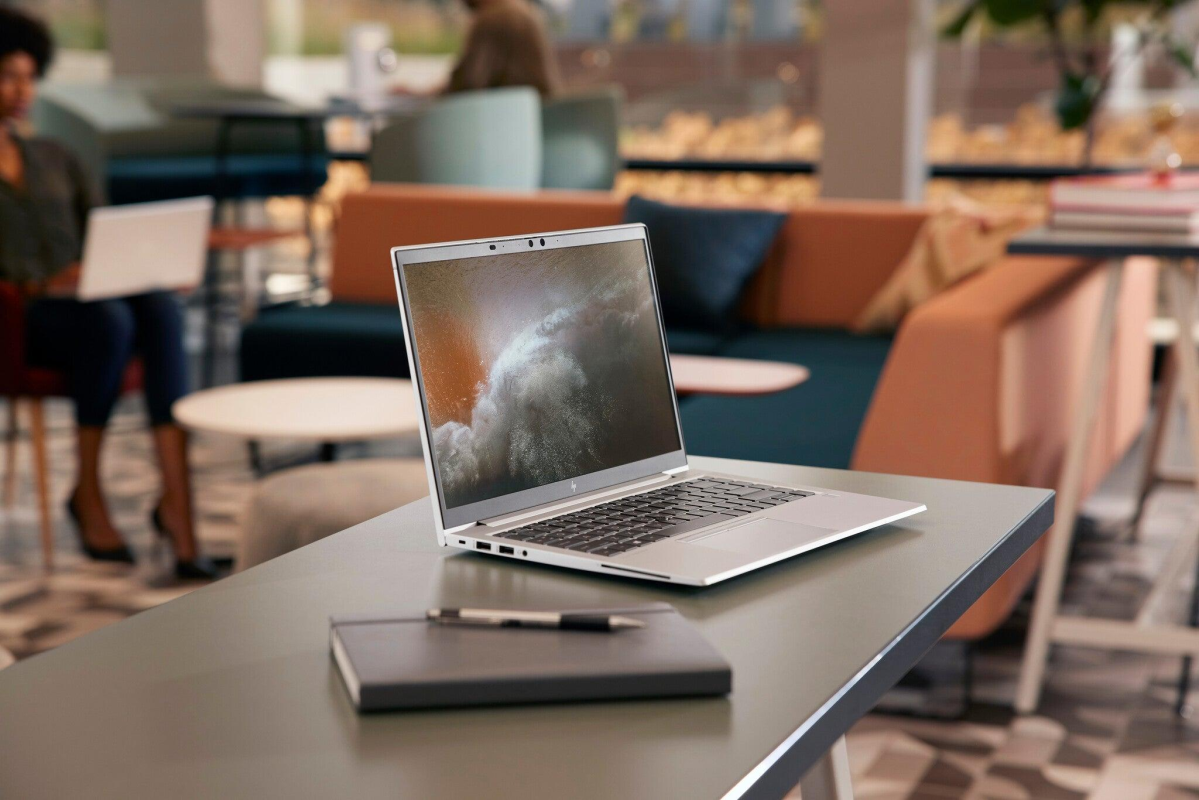
HP EliteBook 845 G7
The HP EliteBook 845 G7 is a business-class laptop worth considering if you want a professional design and capable everyday performance.
Depending on the configuration, it may feature an AMD Ryzen processor, SSD storage and memory upgrade options.
Who should consider it?
- Business owners and office workers.
- Freelancers and remote workers.
- Students who multitask.
- Professionals who need a laptop for everyday productivity.
Before buying, check the exact Ryzen processor, RAM, SSD capacity, battery condition and screen quality.
Our original article listed a configuration with 8GB RAM and a 256GB SSD at KSh 34,000. Confirm that the same configuration and price are currently available before presenting this as an active offer.
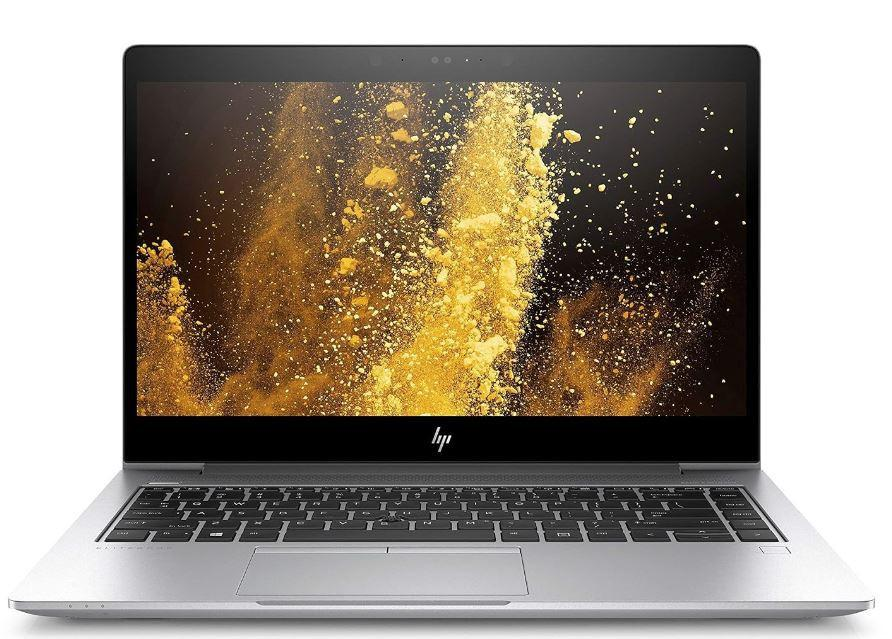
HP EliteBook 840 G5
The HP EliteBook 840 G5 is an older business laptop that can be suitable for documents, research, browsing and office applications when properly configured and maintained.
It may suit:
- University students.
- Office workers.
- Small business owners.
- People who need a laptop for writing and online work.
Check the processor generation, battery condition, keyboard, screen and available storage. Also confirm compatibility with the operating system and applications you intend to use.
The previous guide listed a configuration at KSh 33,000. Verify the current price and availability before retaining that figure as a live offer.
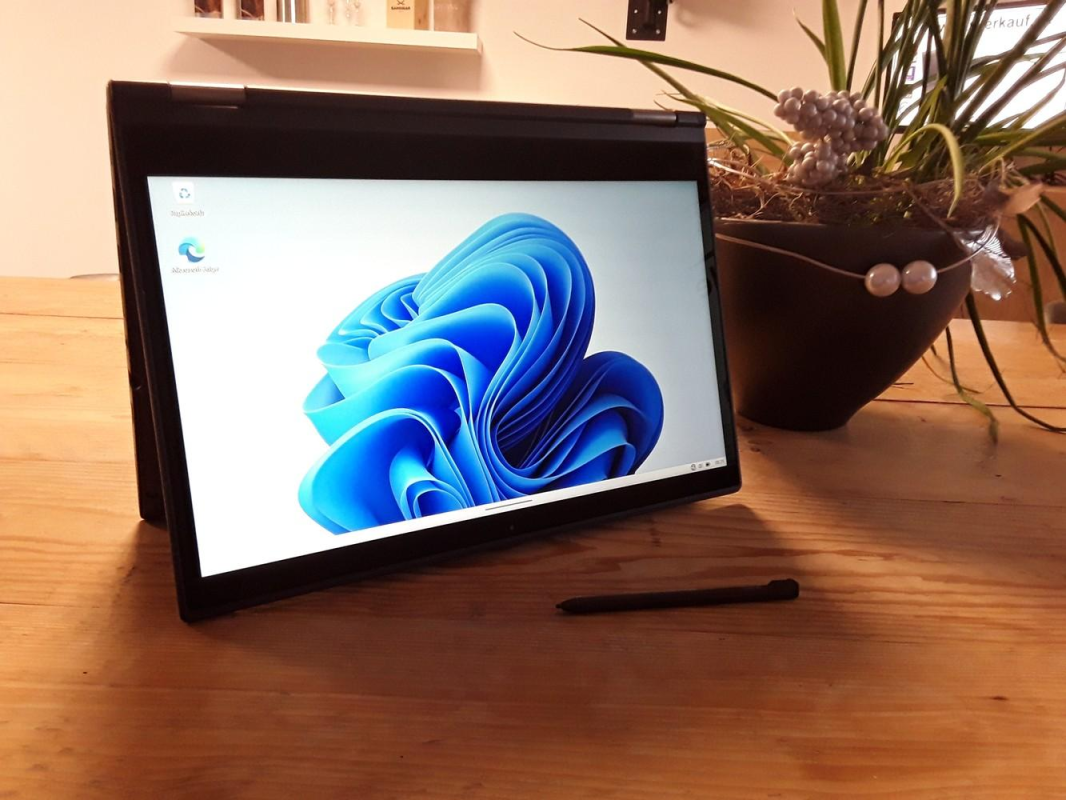
Lenovo Yoga X380
The Lenovo Yoga X380 is a convertible laptop designed to offer more flexibility than a traditional clamshell laptop.
Its touchscreen and folding design can be useful for presentations, note-taking and users who prefer touchscreen interaction.
It may suit:
- Students who value portability.
- Professionals who give presentations.
- Office workers.
- Users who want a convertible laptop.
Inspect the hinge, touchscreen, keyboard, battery and charging system before purchasing.
Our original guide listed a Core i5, 8GB RAM and 256GB SSD configuration at KSh 30,000. Confirm that the exact configuration is available at that price.
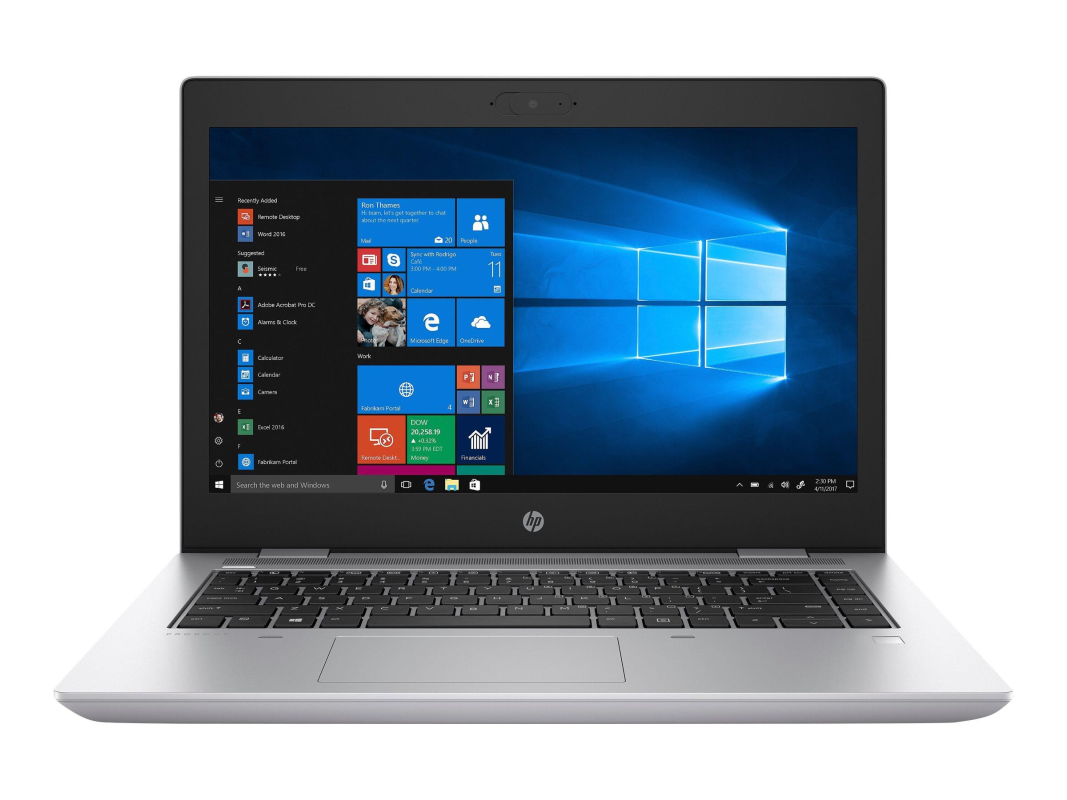
HP ProBook 640 G5
The HP ProBook 640 G5 is another business-oriented model worth comparing if you need a laptop for everyday productivity.
Depending on its specifications and condition, it can be suitable for documents, browsing, bookkeeping, online learning and common office applications.
Before buying, check the exact processor, RAM, SSD, display condition and battery performance.
Our earlier guide listed a configuration at KSh 30,000. Verify the price and availability before advertising it as a current offer.
Which one should you choose? The best model depends on the exact specifications, condition and your intended use. Do not choose based on the brand name alone.
3. Which processor should you choose?
The processor determines how your laptop handles applications, multitasking and demanding workloads.
Intel Core i5
A suitable Intel Core i5 laptop can handle office applications, browsing, online meetings, research and many student workloads.
However, Core i5 is a family of processors, not a single performance level. Always compare the full processor model and generation.
Intel Core i7
An older Core i7 laptop is not automatically faster than a newer Core i5. Performance depends on the processor architecture, model, power limits and cooling system.
Choose the laptop that performs best for your workload rather than paying more simply because it says Core i7.
AMD Ryzen
AMD Ryzen laptops are also worth considering. Depending on the exact model, they can provide good performance for everyday productivity and multitasking.
Buying tip: Ask for the full processor model before making your decision. This makes it easier to compare laptops accurate

4. How much RAM do you need?
RAM helps your laptop keep applications open and switch between tasks smoothly.
- 4GB RAM: Can be restrictive for modern multitasking.
- 8GB RAM: A practical starting point for everyday office work, browsing and assignments.
- 16GB RAM: Better for heavier multitasking, programming and demanding applications.
For most buyers shopping under KSh 35,000, 8GB RAM with SSD storage is a reasonable starting point. If you can find a suitable 16GB configuration within your budget, it may offer more flexibility.
Check whether the laptop supports upgrades. Some models have soldered memory that cannot be replaced like a removable RAM module.
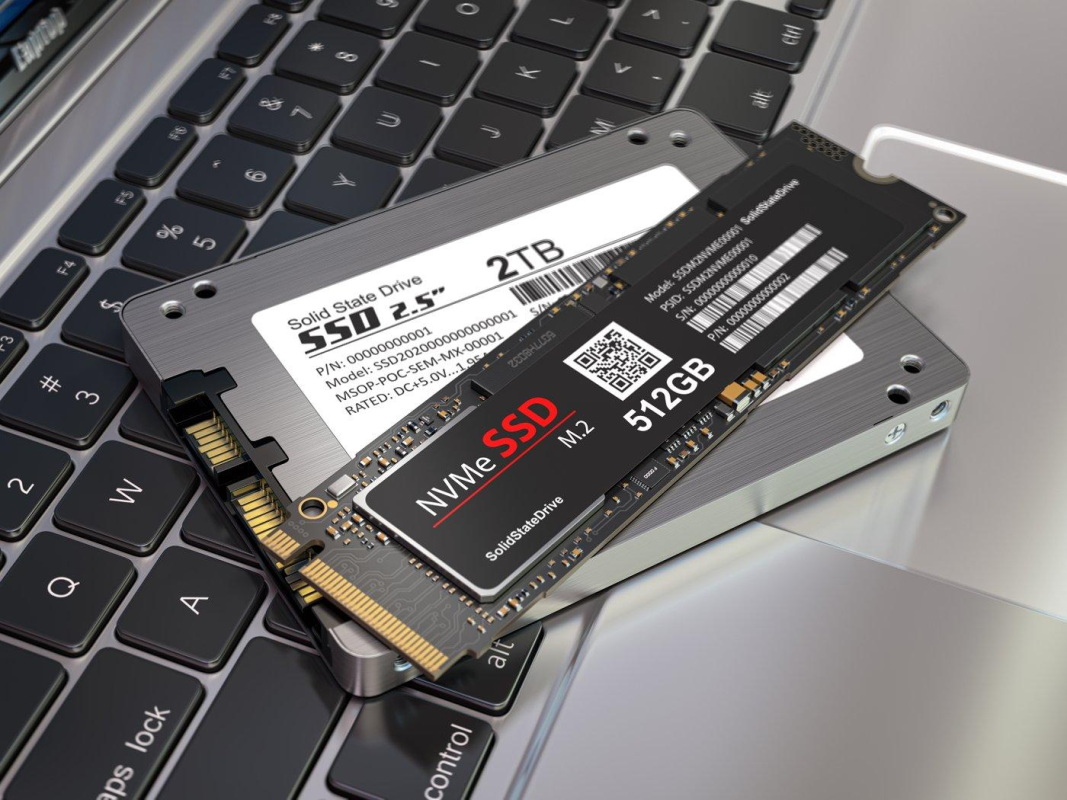
5. Why SSD storage matters
An SSD can make a laptop feel much more responsive than a traditional mechanical hard drive.
It can help your computer start faster, open applications more quickly and respond better during everyday work.
For a laptop under KSh 35,000, consider:
- 256GB SSD: A good starting point for documents, browsing and common applications.
- 512GB SSD: Better if you store more files, software and projects locally.
Remember that storage capacity is different from storage speed. Also check whether the laptop supports SSD upgrades and which drive type it uses.
6. Best laptops under KSh 35,000 for students
Students need a laptop that is affordable, reliable and capable of handling assignments, research and online learning.
When comparing student laptops, prioritise:
- At least 8GB RAM where possible.
- SSD storage.
- A comfortable keyboard.
- A screen in good condition.
- A working webcam and microphone.
- Reliable Wi-Fi connectivity.
- Good battery condition.
- Clear warranty terms.
Students taking engineering, computing, architecture, graphic design or video production courses should check the specific software requirements for their courses. Some applications need more memory or dedicated graphics
7. Best laptops under KSh 35,000 for online jobs
Are you planning to work online as a virtual assistant, writer, customer support agent or freelancer?
A laptop with an SSD and 8GB RAM can be a practical starting point for many administrative and browser-based tasks.
Before purchasing, check:
- Webcam and microphone quality.
- Wi-Fi connectivity.
- Keyboard comfort.
- Battery runtime.
- Compatibility with your work applications.
- Performance when several browser tabs are open.
If your work involves video editing, virtual machines, advanced design or other demanding applications, you may need a more powerful configuration.
Choose a laptop based on the work you intend to do rather than buying the cheapest option available.
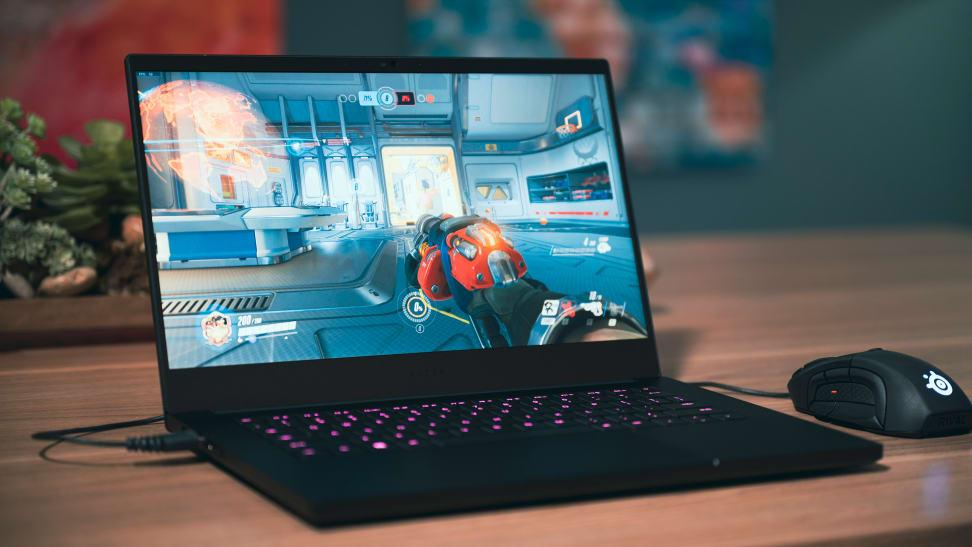
8. Can you get a gaming laptop under KSh 35,000?
You may find older laptops that can run certain games, but you should set realistic expectations.
Many business laptops are designed for productivity rather than demanding gaming. A Core i5 or Core i7 processor alone does not guarantee good gaming performance.
Before buying, check:
- The exact graphics processor.
- The game’s minimum and recommended requirements.
- RAM capacity.
- Cooling performance.
- Screen resolution and refresh rate.
- Whether the laptop can maintain stable performance during extended gaming.
For games such as GTA V, compare the actual graphics hardware and processor against the requirements of the version you intend to play.
If gaming is your priority, tell Joo Computers which games you want to run so the available options can be assessed accordingly.
9. Should you buy a new or refurbished laptop?
At KSh 35,000, it is worth comparing new and refurbished laptops before making a decision.
A refurbished or ex-UK business laptop may offer a higher-tier build or stronger specifications than a new entry-level laptop at the same price. However, refurbished laptops vary in condition.
| Factor | New laptop | Refurbished or ex-UK laptop |
|---|---|---|
| Physical condition | Usually unused | Varies by unit |
| Battery | Check warranty and condition | Test health and runtime |
| Specifications | Depend on price category | May offer higher-tier specifications |
| Warranty | Depends on seller and manufacturer | Confirm the seller’s terms |
| Value | Depends on the configuration | Can be attractive after inspection |
Before buying a refurbished laptop, inspect the screen, keyboard, ports, battery, SSD and charger. Ask whether parts have been replaced and what the warranty covers.
A refurbished laptop can be a sensible purchase when the specifications, condition, price and after-sales support are clear.
10. What to check before paying for a laptop
Use this checklist before purchasing any laptop.
Laptop buying checklist
Confirm the exact processor model and generation
Verify RAM capacity and upgrade options
Check SSD capacity and health
Inspect the screen for spots, lines and flickering
Test the keyboard and touchpad
Test USB, HDMI, audio and charging ports
Check the webcam, microphone, speakers and Wi-Fi
Inspect the hinge and laptop casing
Check battery health and charging behaviour
Confirm the charger, warranty and receipt
Never rely only on the laptop’s appearance or the seller’s description. Test the actual machine and make sure you understand the warranty before paying.
11. Accessories worth considering
Once you have chosen your laptop, a few accessories can make everyday work more comfortable.
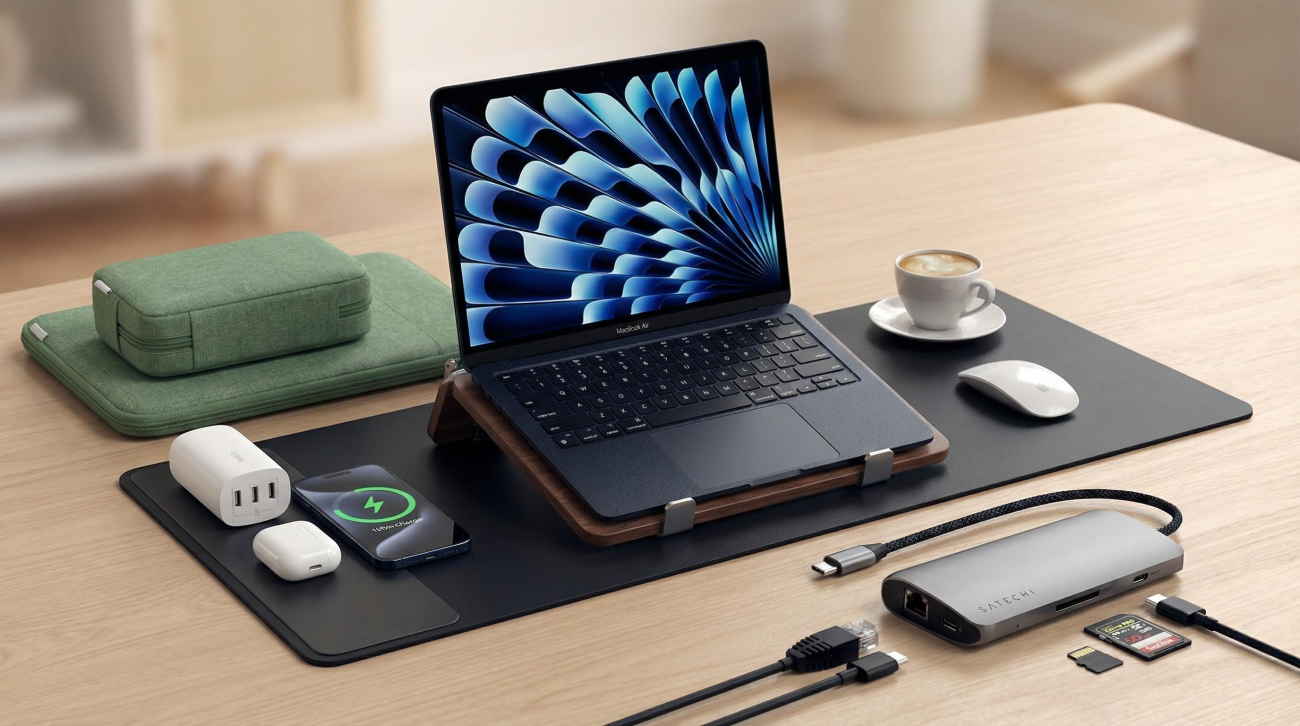
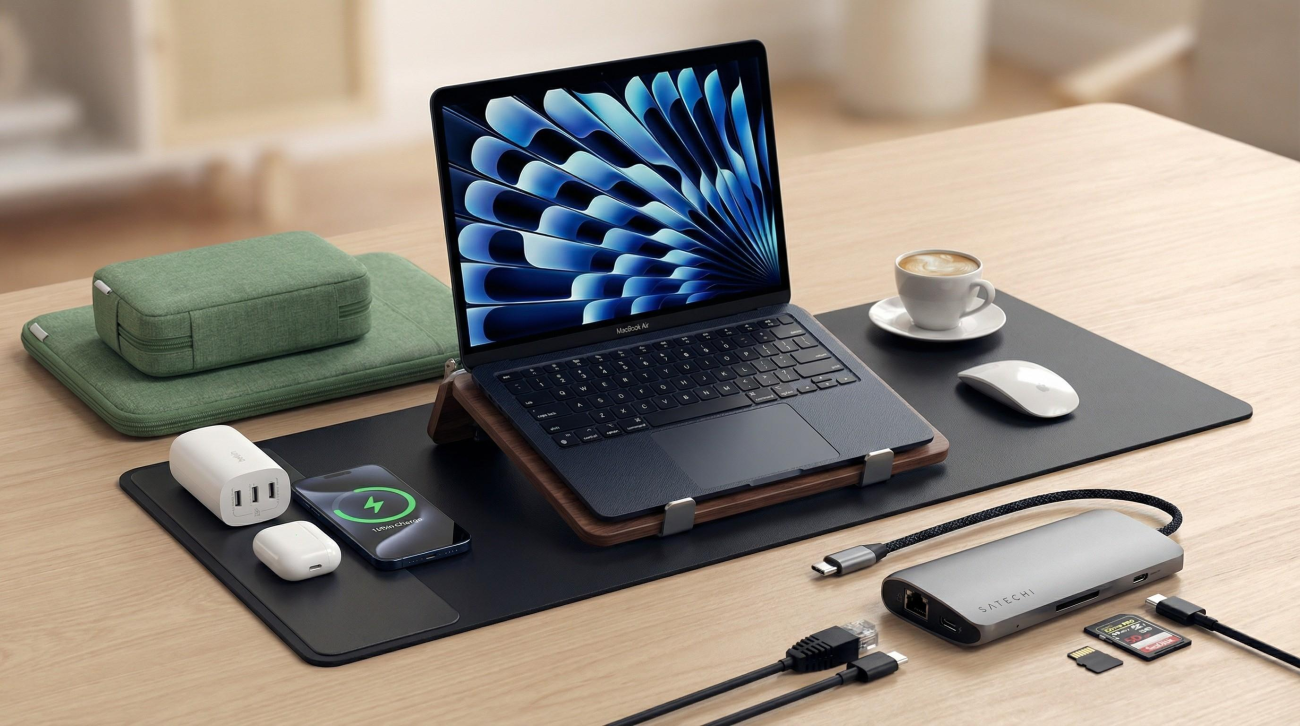
Wireless mouse: Useful for office work, browsing and productivity.
Laptop bag: Helps protect your laptop during commuting and travel.
USB-C hub or adapter: Useful when you need additional ports, provided it is compatible with your laptop.
Laptop stand: Helps position the screen more comfortably at a desk.
External monitor: Useful for spreadsheets, research and working with several windows.
Choose accessories according to your laptop’s ports, your budget and the way you work.
Explore the relevant computer accessories at Joo Computers or contact us for compatible options.
12. Where to buy affordable laptops in Nairobi
When comparing laptop sellers, look beyond the advertised price. Confirm the exact specifications, physical condition, warranty and after-sales support. At Joo Computers, you can enquire about available laptop options and compare machines according to your budget and intended use. Prices and availability depend on current stock, so confirm the details before ordering.
Technology | Trust | Solutions
Visit Joo Computers
- Location: Along Moi Avenue, Iconic Business Plaza, 4th Floor, Shop J7, Nairobi.
- Call / WhatsApp: 0717 183 590.
- Delivery: Available across Kenya.
Tell us your budget and intended use so we can help you compare the available options.
Looking for a laptop under KSh 35,000?
Contact Joo Computers to confirm current stock, specifications and prices.Enquire on WhatsApp
Frequently asked questions
Which is the best laptop under KSh 35,000 in Kenya?
The best choice depends on your intended use, specifications, condition and current stock. Compare suitable HP EliteBook, HP ProBook, Lenovo Yoga or ThinkPad, Dell Latitude and other available configurations.
Can I get a good laptop for university under KSh 35,000?
Yes. This budget can suit assignments, research, presentations and online learning. Prioritise SSD storage, sufficient RAM, battery condition and compatibility with your course requirements.
Which laptop is suitable for online jobs in Kenya?
For writing, virtual assistance, customer support and general administrative work, an SSD laptop with 8GB RAM can be a useful starting point. Demanding work may require stronger hardware.
Is a refurbished laptop worth buying?
It can be, provided the machine has been properly inspected and its condition, specifications, price and warranty are clear. Test the laptop and ask about battery health before purchasing.
Is 8GB RAM enough for a laptop under KSh 35,000?
For many everyday tasks, 8GB RAM is a reasonable starting point. If you regularly multitask or use demanding software, consider 16GB where your budget and the laptop’s upgrade options allow.
Should I choose Core i5 or Core i7?
Compare the full processor model and generation. An older Core i7 is not necessarily better than a newer Core i5, so do not make the decision based on branding alone.
Can I get a touchscreen laptop under KSh 35,000?
Some older touchscreen and convertible models may fit this budget, depending on availability and condition. Test the touchscreen and inspect the hinge on the actual unit.
Where can I buy a laptop under KSh 35,000 in Nairobi?
You can enquire at Joo Computers, located along Moi Avenue, Iconic Business Plaza, 4th Floor, Shop J7, Nairobi. Call or WhatsApp 0717 183 590 to confirm current stock and prices.
Final advice: buy for your needs, not just the price
A laptop under KSh 35,000 can be a valuable investment for school, work or business when you choose carefully.
Compare the processor, RAM, SSD, battery, display and warranty. If you are buying a refurbished laptop, inspect it thoroughly and understand the after-sales terms.
Need help choosing? Contact Joo Computers with your budget and intended use so you can compare the available options before making a decision.
Joo Computers — Technology | Trust | Solutions
Along Moi Avenue, Iconic Business Plaza, 4th Floor, Shop J7, Nairobi.
Call / WhatsApp: 0717 183 590. Delivery available across Kenya.