


Best HP OmniBook for Students in Kenya: Models, Features and Buying Guide

Choosing a university or college laptop is an important decision. You need a computer that can handle assignments, research, online classes, presentations and everyday applications without exceeding your budget.
The HP OmniBook series offers a range of modern laptops with different processors, display options, memory configurations and portability features. However, the right model for one student may not be the best choice for another.
At Joo Computers, we recommend choosing your laptop according to your course, software requirements, budget and how often you will carry it between classes.
In this guide, we explain how to choose the best HP OmniBook for students in Kenya, what specifications to prioritise, and when you might need a more specialised laptop.
Looking for an HP OmniBook? Contact Joo Computers on WhatsApp.
Table of Contents: HP OmniBook Guides
Use these related guides to compare models and explore the HP OmniBook range.
- HP OmniBook Laptops in Kenya: Complete Buying Guide
- HP OmniBook 5 vs HP OmniBook 7
- HP OmniBook vs HP EliteBook: Which Is Better for Business?
- Best HP OmniBook for Students in Kenya — this guide.
Check that the linked pages are published at these exact URLs before publishing. If the EliteBook comparison has a different URL, update the link in WordPress.
1. Why Consider an HP OmniBook for University?
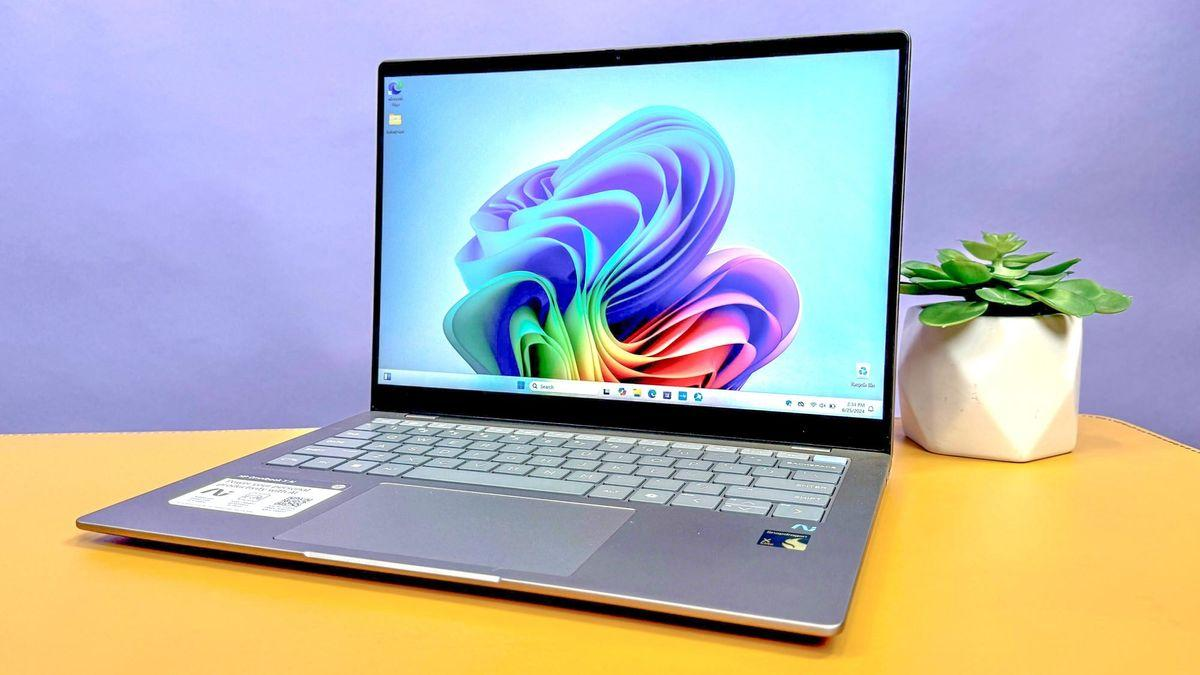
A good student laptop should make studying easier, whether you are preparing assignments, attending online classes or working on a group project.
Depending on the model, HP OmniBook laptops may offer:
- Modern processors for everyday computing and multitasking.
- SSD storage for fast startup and application loading.
- Portable designs suitable for carrying to lectures.
- Different display sizes and resolutions.
- Touchscreen or convertible designs on selected configurations.
- Hardware acceleration for supported AI applications on selected models.
Not every OmniBook includes all these features. Always check the specifications of the exact model before buying.
2. Which HP OmniBook Series Should Students Consider?
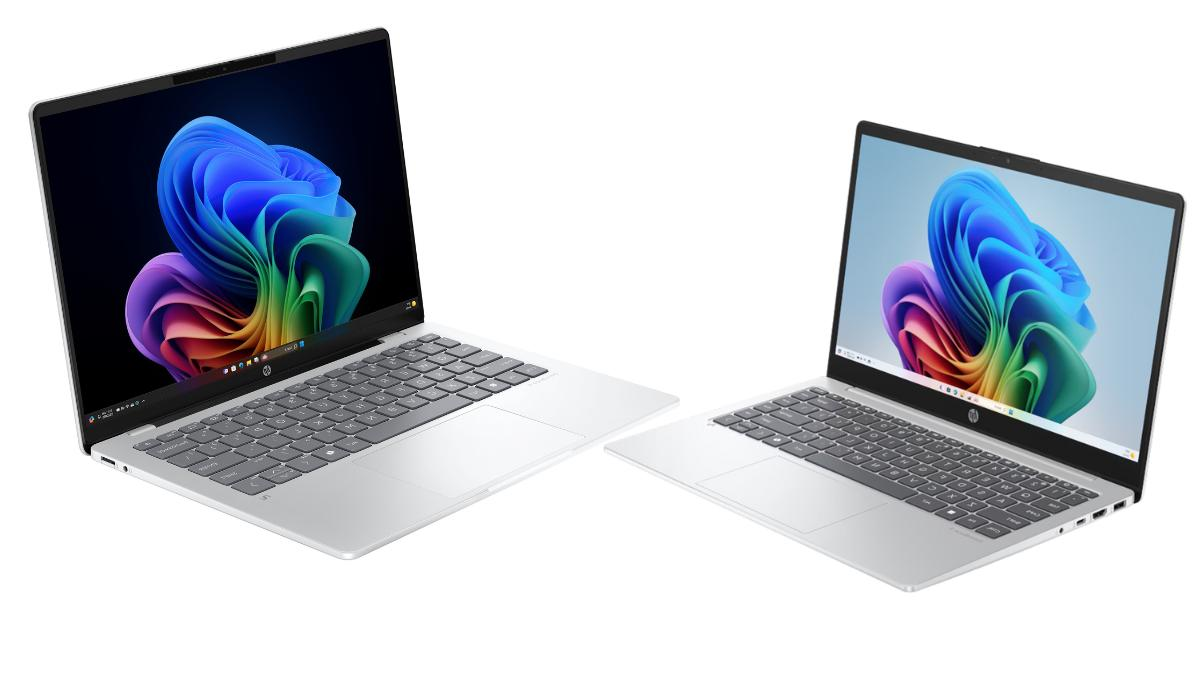
HP’s OmniBook family includes several series. Use the series name as a starting point, then compare the exact configuration.
HP OmniBook 3: Everyday Student Computing
The OmniBook 3 family is worth considering if you need a laptop for research, typing assignments, presentations, browsing and online learning.
Look for a configuration with sufficient RAM, an SSD and a display size that suits your study routine.
Suitable for: General university work, online classes and everyday productivity.
HP OmniBook 5: A Versatile Study Laptop
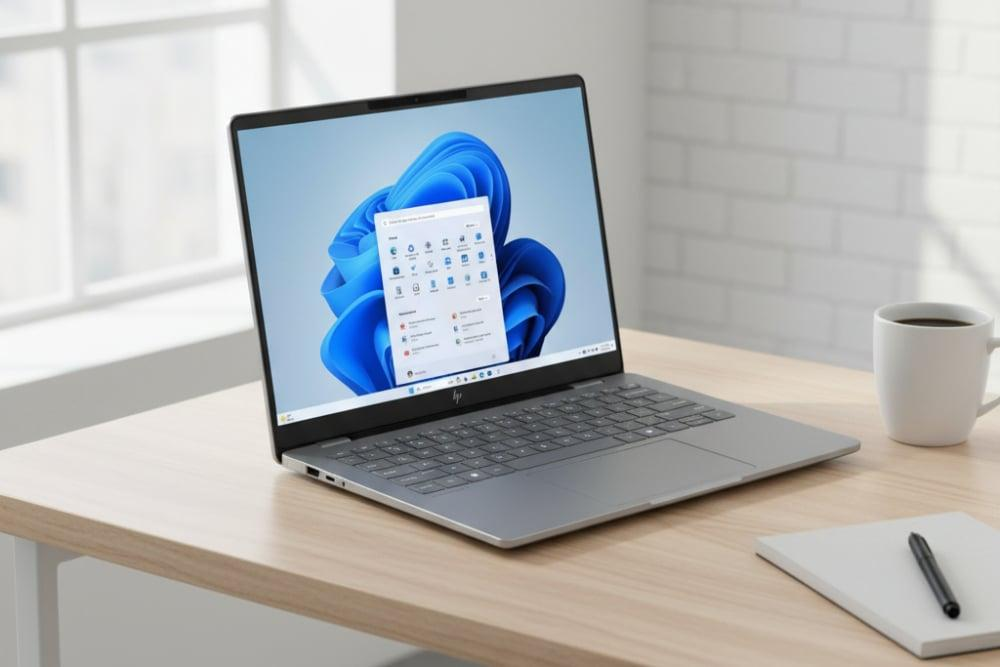
The OmniBook 5 family is another option for students who want a versatile laptop for learning, office applications and entertainment.
Depending on the configuration, you may find different processor platforms, display options and touchscreen features.
Suitable for: Students who multitask, attend online classes and need a laptop for both coursework and everyday use.
HP OmniBook 7: For More Demanding Coursework
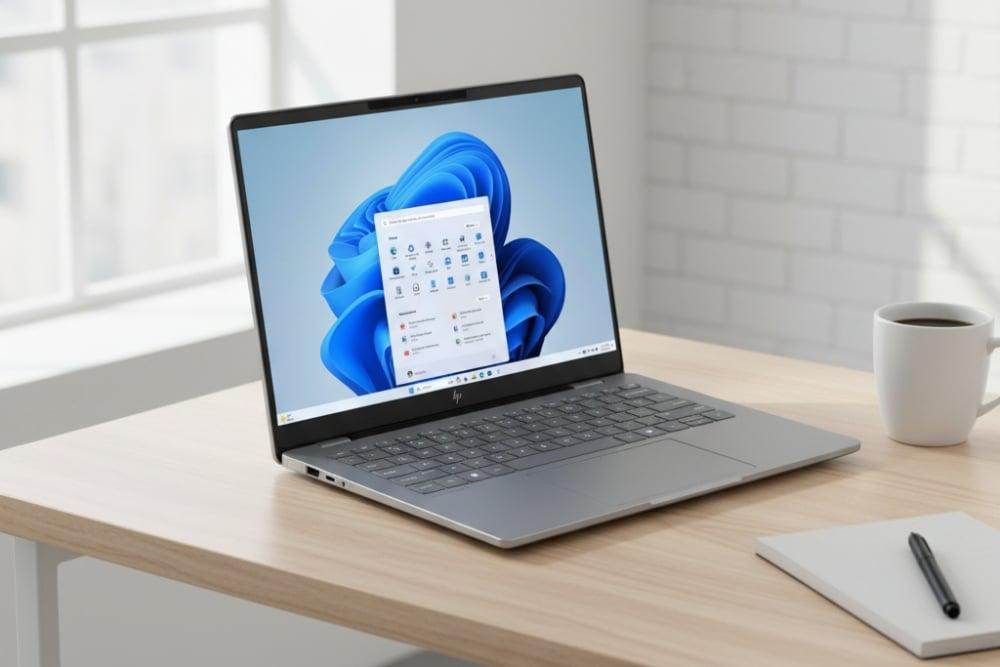
The OmniBook 7 family is worth investigating if your course or workload requires more processing power. Selected configurations offer more capable graphics options, but dedicated graphics are not standard across the entire series.
Suitable for: Students who need additional performance for demanding productivity or selected creative workloads.
For engineering, architecture and 3D design, verify that the specific processor and graphics hardware meet your institution’s software requirements.
HP OmniBook X and Ultra: Premium Options
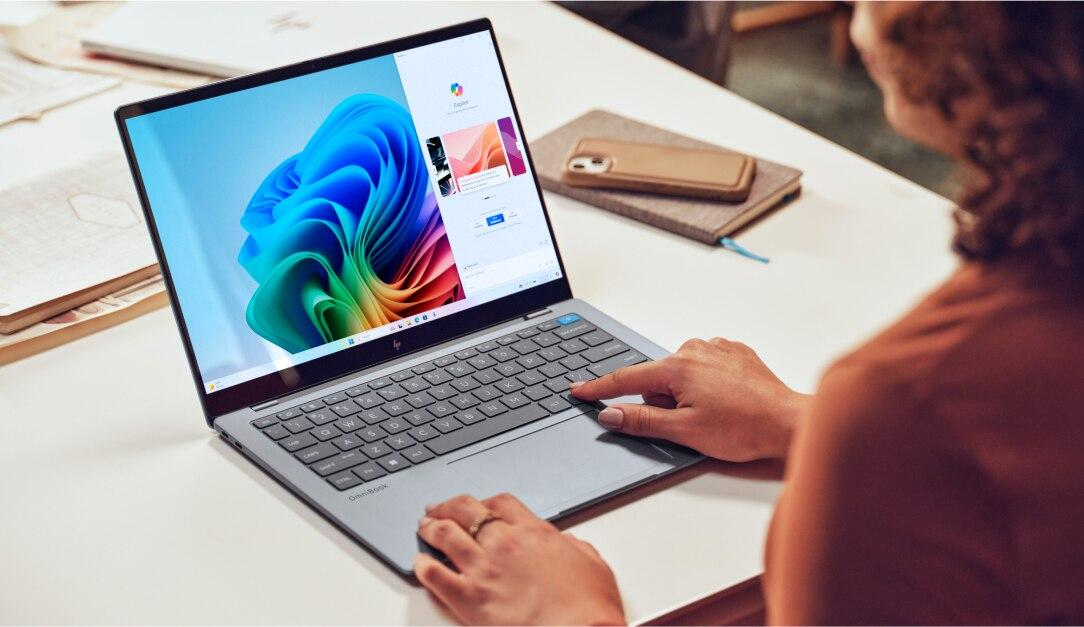
OmniBook X and Ultra models are worth comparing if you prioritise premium design, portability, display quality or higher-end configurations.
However, students should avoid paying for premium features they will not use. A less expensive laptop with sufficient performance may be a better investment for ordinary coursework.
3. Recommended Laptop Specifications for Students
The processor, RAM and storage often matter more than the product name.
| Specification | Practical starting point | Why it matters |
|---|---|---|
| Processor | Modern Intel Core, Core Ultra, AMD Ryzen or compatible Snapdragon option | Determines application compatibility and performance |
| RAM | 16GB where budget permits | Helps with multitasking and demanding applications |
| Storage | 512GB SSD where affordable | Provides room for software, documents and projects |
| Display | Full HD or better, depending on the model | Helps with reading and working comfortably |
| Battery | Compare manufacturer specifications and independent reviews | Important for classes away from a power socket |
| Weight | Choose according to how often you travel with it | Affects portability |
| Connectivity | Check USB, HDMI or supported display connections, Wi-Fi and Bluetooth | Helps connect accessories and external displays |
These are general recommendations, not minimum requirements for every course. A student using basic office software has different needs from someone running engineering simulations or editing high-resolution video.
How Much RAM Does a Student Need?
For documents, research and online classes, 8GB may be adequate for lighter workloads, but 16GB is a more comfortable starting point for many modern users.
Students using demanding applications should check the software requirements and consider more memory where necessary.
Some OmniBook configurations have soldered RAM, meaning memory may not be upgradeable. Confirm this before purchasing.
How Much Storage Is Enough?
A 512GB SSD is a useful option for students who store documents, software, presentations and project files locally.
If you work with large videos, design files or datasets, consider a larger SSD or a suitable external storage solution.
4. Which HP OmniBook Is Best for Your Course?

Business, Economics and Accounting
For spreadsheets, presentations, research and accounting applications, prioritise a capable processor, sufficient RAM, a comfortable keyboard and reliable battery performance.
An appropriate OmniBook 3 or 5 configuration may be sufficient for many students in these courses.
Computer Science and IT
Programming, browser-based development, virtual machines and development tools can require additional memory and storage.
Consider 16GB RAM or more, depending on your tools. If your course involves virtualisation, machine learning or specialised development environments, check the relevant hardware requirements first.
Architecture and Engineering
Applications such as CAD, 3D modelling and engineering software can have specific CPU, GPU and memory requirements.
Do not assume that every OmniBook is suitable for these workloads. Some students may be better served by a laptop with dedicated graphics or an HP ZBook workstation.
Graphic Design and Multimedia
For photo editing, graphic design and video production, compare the display quality, processor, RAM, graphics and storage.
A premium display alone does not guarantee that the laptop can run your editing software smoothly.
General Studies and Online Learning
For research, word processing, presentations, browsing and video classes, you usually do not need to buy the most expensive model.
Focus on comfort, sufficient performance, portability and the features you will actually use.
5. HP OmniBook 5 vs HP OmniBook 7 for Students
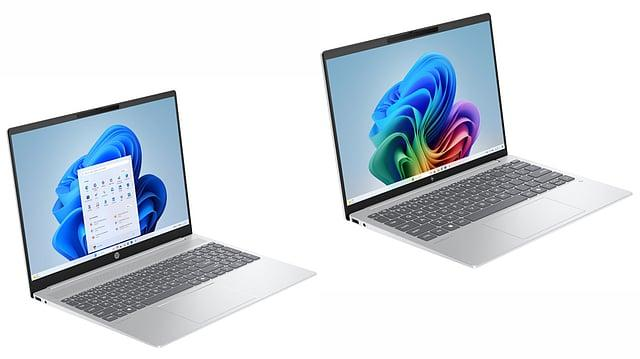
| Student requirement | What to consider |
|---|---|
| Basic assignments and research | A suitable OmniBook 3 or 5 configuration |
| Regular multitasking | Compare RAM and processor in OmniBook 5 and 7 models |
| Creative applications | Check graphics, display, RAM and software requirements |
| Demanding technical courses | Compare the exact configuration with course requirements |
| Portability | Compare screen size, weight and battery specifications |
| Premium features | Consider X or Ultra only if the additional features justify the cost |
For a more detailed comparison, read our HP OmniBook 5 vs HP OmniBook 7 guide.
Remember: A higher series number does not automatically mean a better purchase. Compare the actual specifications and price of each available laptop.
6. How Much Does an HP OmniBook Cost in Kenya?
HP OmniBook prices vary according to the processor, RAM, storage, display, graphics, generation and configuration. Availability and pricing can also change as new models enter the market.
Rather than relying on a generic price estimate, request a current quotation for the exact model you want.
When comparing two offers, confirm:
- Full model number and processor.
- RAM and SSD capacity.
- Display specifications and touchscreen support.
- Graphics configuration.
- Condition, warranty and included accessories.
At Joo Computers, we can help you enquire about available HP OmniBook models and compare them against your budget.
Ask for current HP OmniBook prices on WhatsApp.
7. HP OmniBook vs HP EliteBook for Students
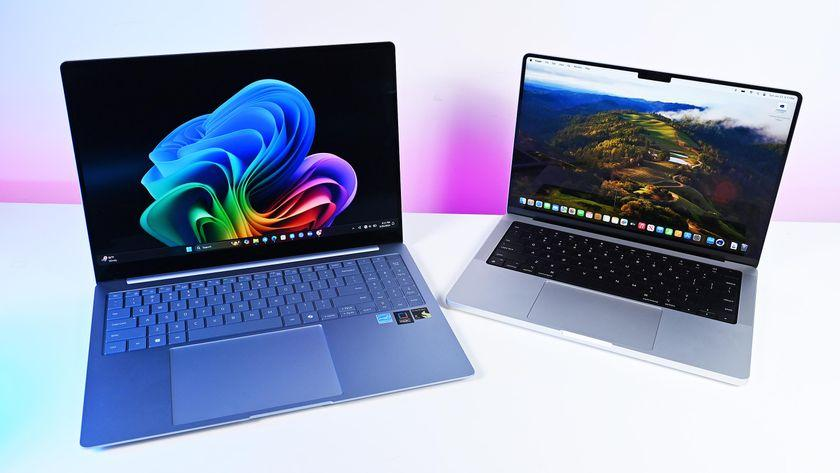
An HP OmniBook can be a suitable choice for a student who wants a modern consumer laptop with the right features and performance.
An HP EliteBook may also be worth considering, particularly if you find a suitable configuration at a competitive price or prefer business-oriented features.
Neither family is automatically better. Compare the exact model, processor, RAM, display, battery, warranty and price.
Read our HP OmniBook vs HP EliteBook comparison for more guidance, after confirming that the article is published at that URL.
8. New vs Refurbished Laptops for Students
A new laptop may appeal to students who want a new device and the applicable manufacturer’s warranty. A refurbished laptop may offer a different balance of price and specifications.
If you are considering a refurbished option, ask about battery condition, physical condition, included charger, warranty and return terms. Compare these factors rather than looking at price alone.
You can also explore our guide to refurbished laptops in Kenya if that URL matches your published page.
9. Where to Buy HP OmniBook Laptops in Nairobi
Joo Computers helps students and other laptop buyers compare devices based on budget, specifications and intended use.
You can visit our shop in Nairobi or contact us remotely to enquire about available models and prices. Delivery is available across Kenya.
Explore our HP OmniBook laptops in Kenya buying guide and browse our laptop category.
Please confirm stock and specifications before travelling to the shop or placing an order.
10. Frequently Asked Questions
Which HP OmniBook is best for university students?
The best model depends on your course and budget. OmniBook 3 and 5 configurations are worth considering for general study, while more demanding courses may require a higher-performance configuration.
Is 16GB RAM enough for university?
For many students, 16GB is a useful amount for multitasking, research and productivity. Courses involving virtual machines, large datasets or specialist software may require more.
Is an HP OmniBook good for computer science?
Selected configurations can be suitable for programming and development. Check the memory, processor, operating-system compatibility and requirements of your development tools.
Can I use an HP OmniBook for architecture?
Some configurations may suit lighter design work, but architecture software can require dedicated graphics and substantial memory. Verify the specifications required by your course before buying.
Are HP OmniBook laptops touchscreen?
Some configurations offer touchscreen displays, including selected convertible models. Touch support is not available on every OmniBook.
Should I buy an HP OmniBook or EliteBook for university?
Both can be suitable. Compare the specific configurations, prices and features against your study requirements rather than choosing by family name alone.
Where can I get HP OmniBook prices in Kenya?
Contact Joo Computers to enquire about current availability and prices for the models you are considering.
Find the Right HP OmniBook for Your Studies
Your ideal student laptop should support your studies without stretching your budget unnecessarily. Tell us your course, budget and preferred specifications, and we can help you compare available options.
Joo Computers — Technology | Trust | Solutions
- Location: Along Moi Avenue, Iconic Business Plaza, 4th Floor, Shop J7, Nairobi
- Call / WhatsApp: 0717 183 590
- Delivery: Available across Kenya
Contact us today to enquire about HP OmniBook laptops for students.