


Things to Check Before Buying a Laptop in Nairobi
When it comes to purchasing a laptop, especially in a bustling city like Nairobi, the options can be overwhelming. Whether you’re a student, a professional, or just someone looking for a reliable device for personal use, making the right choice is crucial. This guide will take you through the essential factors to consider before you invest in a laptop, ensuring that you find a machine that perfectly suits your needs and budget.
1. Determine Your Budget
Before diving into technical specifications, it’s wise to establish a budget. Laptops vary widely in price, and having a clear idea of how much you’re willing to spend will help narrow down your choices. Keep in mind that sometimes spending a little more can get you a significantly better device in terms of performance and longevity. If you’re unsure about current prices, consider checking out TechRadar’s best laptop deals for guidance.
2. Identify Your Primary Use
Understanding what you primarily need the laptop for will significantly influence your decision. Are you using it for basic tasks like browsing and word processing, or do you need it for more demanding applications such as gaming, video editing, or software development? Here’s a breakdown:
- Basic Use: For simple tasks, a laptop with an Intel i3 or equivalent processor, 4GB of RAM, and 256GB SSD should suffice.
- Gaming: Look for models with dedicated graphics cards, at least an Intel i5 or AMD Ryzen 5 processor, and 8GB of RAM.
- Professional Use: For tasks like video editing or graphic design, prioritize a powerful CPU, 16GB of RAM, and a high-resolution display.
3. Check the Processor
The processor, often referred to as the CPU, is the brain of your laptop. It determines how fast your laptop can process information. Currently, Tom’s Hardware is a great resource for understanding the latest processors. In general, Intel Core i5 or AMD Ryzen 5 processors provide a good balance between performance and cost for most users.

4. Evaluate RAM and Storage
Random Access Memory (RAM) is critical for multitasking. More RAM allows you to run multiple applications simultaneously without slowing down your laptop. For most users, 8GB is sufficient, but if you plan on using resource-intensive applications, consider 16GB or more.
Regarding storage, Solid-State Drives (SSDs) are faster than traditional Hard Disk Drives (HDDs) and can significantly improve your laptop’s performance. For quick boot times and enhanced speed, opt for at least a 256GB SSD. If you need more storage for files, a combination of SSD and HDD might be ideal.
5. Consider the Display
The laptop’s display is something you’ll be looking at for hours, so it should be easy on the eyes. Consider these factors:
- Size: A 13-14 inch screen is portable and suitable for most tasks. Larger screens are better for gaming or design work.
- Resolution: Full HD (1920×1080) is a standard resolution that provides clear images and good detail.
- Panel Type: IPS panels offer better viewing angles and color reproduction compared to TN panels.
6. Battery Life
Battery life can be a critical factor, especially if you’re frequently on the go. Look for reviews or manufacturer specifications that provide realistic battery life estimates. Typically, a laptop that offers 8-10 hours of battery life is adequate for most users. For extended battery performance, you might want to check out CNET’s best laptop battery guides.
7. Operating System
Your choice of operating system (OS) can affect your laptop experience considerably. The main options are:
- Windows: Versatile and compatible with most software. Ideal for a wide range of applications.
- macOS: Known for its sleek design and integration with other Apple products. Preferred by many creative professionals.
- Linux: Open-source and customizable, but may not support all software without some tweaking.
8. Portability and Build Quality
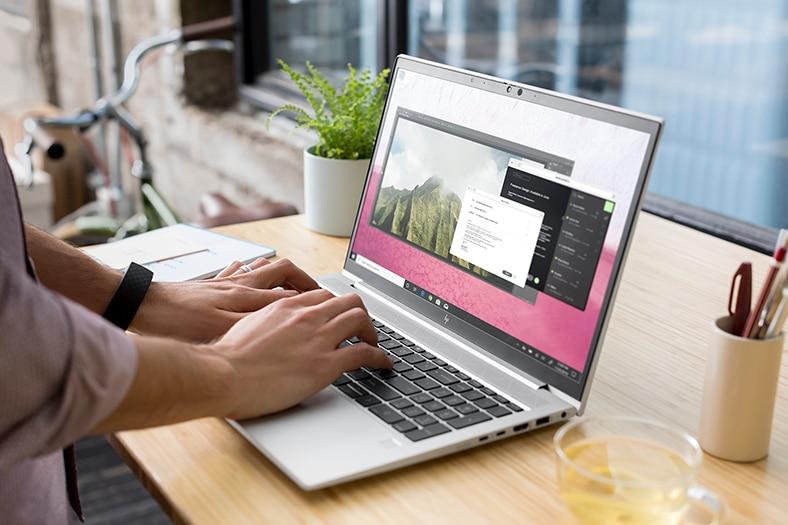
If you travel frequently or plan to use your laptop in different locations, portability is key. Lightweight laptops with a slim profile are ideal for carrying around. Additionally, consider the build quality; laptops with a sturdy chassis made of metal or high-quality plastic tend to withstand wear and tear better.
9. Connectivity Options
Make sure the laptop has the necessary ports and connectivity options. Common ports include USB-A, USB-C, HDMI, and an audio jack. Additionally, features like Wi-Fi 6 and Bluetooth 5.0 offer improved connectivity and faster data transfer speeds. For more on connectivity standards, PCMag provides in-depth reviews and comparisons.
10. Warranty and Support
A good warranty and reliable customer support can save you a lot of trouble down the line. Check the warranty terms offered by the manufacturer and consider extended warranty options if available. Also, research the brand’s customer service reputation to ensure you’ll have support if issues arise.
Takeaways
Purchasing a laptop in Nairobi can be a rewarding experience if you take the time to research and consider the factors outlined above. By determining your budget, understanding your primary use, and evaluating key specifications like processor, RAM, and storage, you can find a laptop that meets your needs. Remember to also consider factors like battery life, build quality, and warranty to ensure you make a wise investment. With this comprehensive guide, you’re well-equipped to navigate the myriad of choices and find the perfect laptop for you.
11. Brand Reputation and Reviews

In the digital age, accessing user reviews and expert opinions is easier than ever. Before settling on a specific laptop model, take the time to research the brand’s reputation. Brands like Dell, HP, Lenovo, and Apple are generally reliable, but it’s always wise to look for specific feedback on the model you’re considering. Websites such as Laptop Mag offer extensive reviews that can provide deeper insights into the strengths and weaknesses of different laptops.
12. Upgradeability
While many laptops today come with fixed components, some models still allow for upgrades. If you’re tech-savvy or plan to extend the lifespan of your laptop, check if the RAM and storage are upgradeable. This feature is particularly valuable for users who anticipate needing more power or storage in the future but want to start with a lower initial investment.
13. Keyboard and Touchpad Quality
The keyboard and touchpad are your primary interfaces with the laptop, so their quality can have a significant impact on your user experience. Look for a keyboard with good tactile feedback and a comfortable layout. A quality touchpad should be responsive, with multi-touch gesture support. Laptops like the Lenovo ThinkPad series are renowned for their excellent keyboards, which can make extended typing sessions much more enjoyable.
14. Graphics Card
If you’re a gamer or involved in graphic-intensive tasks, the graphics card, or GPU, is a critical component. Integrated graphics are sufficient for everyday tasks and basic multimedia, but a dedicated GPU is necessary for gaming, 3D modeling, or video editing. NVIDIA and AMD are the leading manufacturers of dedicated graphics cards, with options ranging from entry-level to high-end models.
15. Environmental and Social Impact
As consumers become more environmentally conscious, considering the environmental and social impact of your purchase is increasingly important. Some brands focus on sustainability by using recycled materials or offering recycling programs. Additionally, companies like Fairphone focus on ethical manufacturing processes. Researching these factors can help you make a purchase that aligns with your values.
16. Local Availability and Support in Nairobi
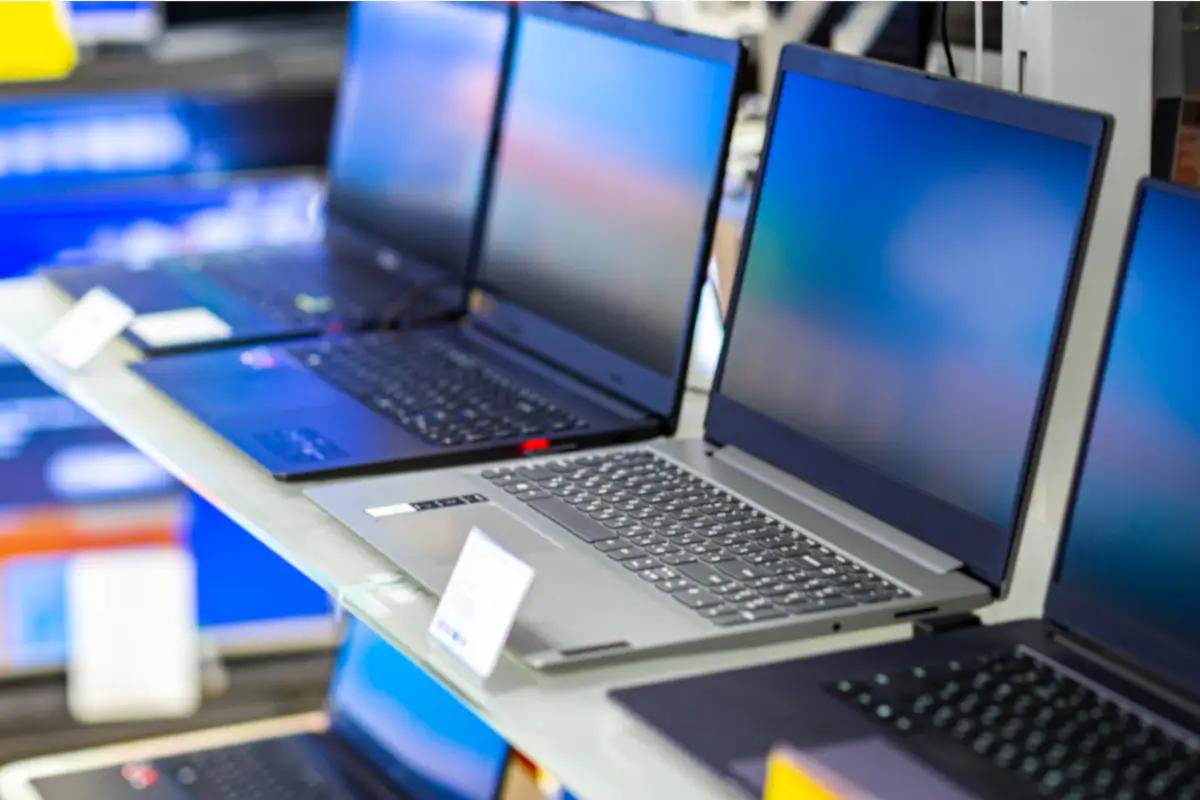
When buying a laptop in Nairobi, consider the availability of local support and service centers. Buying from a local retailer with a good reputation can provide peace of mind, knowing that warranty claims or repairs can be handled locally. Additionally, purchasing from local outlets might offer the chance to physically examine the laptop before buying, which can be beneficial for assessing aspects like build quality and screen clarity in person.
Conclusion: Making an Informed Decision
Choosing the right laptop requires careful consideration of numerous factors, from technical specifications to brand reputation and environmental impact. By thoroughly evaluating your needs and conducting comprehensive research, you can make an informed decision that ensures your new laptop will serve you well for years to come. Whether you’re a student, a professional, or a casual user, the perfect laptop is out there waiting for you in Nairobi. Take advantage of online resources, customer reviews, and local expertise to find a device that meets your unique requirements and budget.
17. Consider the Future of Technology
The technology landscape is constantly evolving, and this should be a consideration when purchasing a laptop. Features such as Thunderbolt 3 ports, Wi-Fi 6 compatibility, and OLED displays are becoming more common and might be worth investing in for future-proofing your device. These advancements offer faster data transfer speeds, better connectivity, and superior display quality, ensuring that your laptop remains relevant as technology progresses.
18. Security Features
In an age where digital security is paramount, having a laptop with robust security features is crucial. Consider laptops that offer biometric authentication methods such as fingerprint sensors or facial recognition. These features not only enhance security but also provide convenience. Trusted Platform Module (TPM) chips are another security feature to look for, providing hardware-based security for encryption keys and user credentials.
19. Cooling System
Especially for those who intend to use their laptops for heavy-duty tasks like gaming or video editing, the cooling system is a critical component. Overheating can lead to performance throttling and even hardware damage. Look for laptops with efficient cooling solutions, which might include multiple fans, heat pipes, or innovative cooling technologies. Reading reviews can provide insights into a laptop’s thermal performance during intensive tasks.

20. Customization and Personalization
Some manufacturers offer customization options that allow you to tailor the laptop to your specific needs. This can include choosing the type of processor, the amount of RAM, storage size, or even the color of the laptop. Customization can be an excellent way to get a laptop that perfectly matches your requirements without paying for unnecessary features. Explore brands like Dell and HP, which often offer these personalized options.
21. Accessories and Peripherals
Finally, consider the accessories and peripherals that you might need with your new laptop. Items such as external monitors, wireless mice, docking stations, and laptop bags can enhance your overall experience. Ensure that the laptop has the necessary ports and compatibility to support these additional devices. Investing in quality accessories can also extend the functionality and convenience of your laptop.
Wrapping Up
Purchasing a laptop in Nairobi involves a blend of understanding your personal needs, staying informed about technological advancements, and making strategic choices based on budget and functionality. By keeping these comprehensive factors in mind, you can navigate the vast array of options with confidence and make a purchase that you’ll be satisfied with for years to come. Embrace the journey of finding your ideal laptop, and enjoy the benefits of a device that not only meets your current demands but also adapts to future technological landscapes.
Need help with Things to Check Before Buying a Laptop in Nairobi?
Ready to upgrade your tech? 🚀 Visit Joo Computers today for quality laptops, desktops, accessories, and expert support. 📞 Call / WhatsApp: 0717 18 35 90 📍 Location: Moi Avenue, Elegant Exhibition Shop A5, opposite Bihi Towers Walk in, call us, or message us now — let’s get you sorted!
Need help with Things to Check Before Buying a Laptop in Nairobi? Ready to upgrade your tech? 🚀 Visit Joo Computers today for quality laptops, desktops, accessories, and expert support. 📞 Call / WhatsApp: 0717 18 35 90 📍 Location: Moi Avenue, Elegant Exhibition Shop A5, opposite Bihi Towers Walk in, call us, or message us now — let’s get you sorted!