


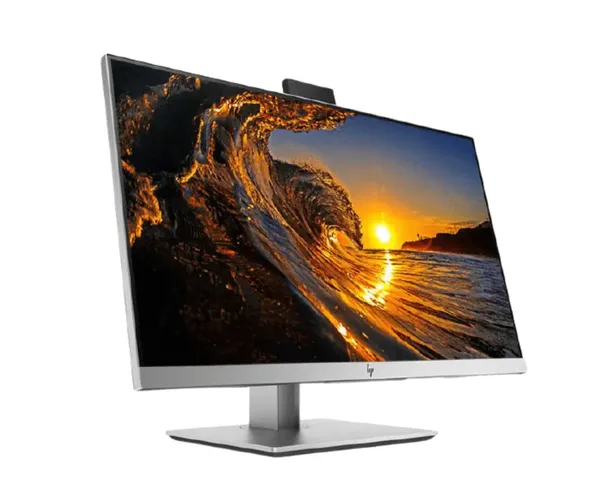
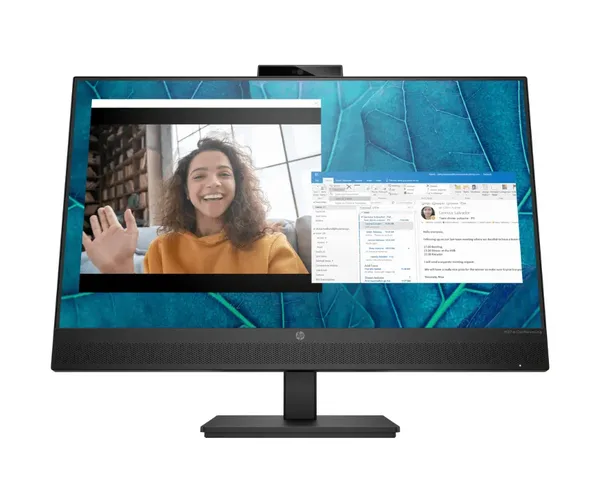
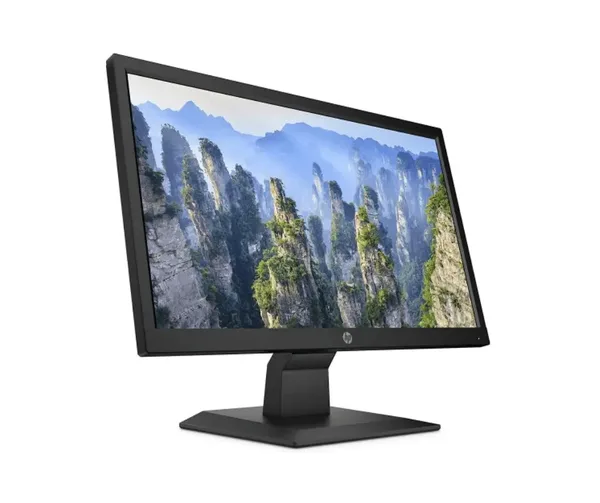


Give everyday work a dedicated widescreen view without taking over your desk. The HP P204 v pairs a compact 19.5-inch format with an HD widescreen display, giving you a practical screen for focused tasks, secondary-display setups, and space-conscious workstations.
Small desks create a real trade-off. You need enough screen area to read documents, monitor messages, and manage browser windows, but a large display can dominate the workspace. This 19.5-inch HP monitor is sized for users who want a clear, contained display footprint. It helps you keep your desk usable while adding a separate visual workspace for daily computing.
The widescreen format gives you more room across the display. That horizontal layout is useful when your work involves side-by-side content, such as a document and a browser, a spreadsheet and reference material, or email beside an active task. You spend less time switching between full-screen windows and can keep relevant information in view while you work.
- 19.5-inch screen size: creates a compact display solution for smaller desks, shared work areas, reception points, home offices, and study spaces where every centimetre matters.
- HD display: provides an HD viewing format for everyday on-screen content, including documents, web pages, business applications, and media.
- Widescreen layout: gives you a broader on-screen workspace, helping you organise horizontal content and keep more than one task visible.
- HP P204 v model: lets you select a specifically identified HP monitor rather than a generic, unspecified display.
The HP P204 v is a sensible choice when you need a screen that supports routine productivity without demanding a large desk. Its 19.5-inch size suits workstations where placement matters as much as display area. Put it on a compact office desk, a home workstation, a customer-facing counter, or a shared learning space. The monitor adds screen capacity while keeping the overall setup measured and practical.
HD viewing supports the content most people use throughout the day. Read written material, review online information, manage inboxes, work through digital forms, and follow on-screen instructions from a dedicated monitor. A separate display gives your primary computer a defined visual destination. This can make everyday computer tasks easier to organise, especially when a smaller built-in screen leaves limited room for active windows.
The widescreen design matters because modern work is rarely limited to one file at a time. You may need a browser for research while writing a report. You may need messages visible while checking a schedule. You may need a reference page alongside an application window. The HP P204 v provides a wider display shape for these common task patterns, helping you arrange information in a way that better matches how you work.
Choose a compact monitor when efficiency matters more than excess screen size. A 19.5-inch display is well suited to users who want a dedicated monitor but do not require a large-format screen. It is a considered fit for straightforward office tasks, personal administration, online learning, point-of-use displays, and secondary-screen duties. The size keeps the monitor approachable for desks that already hold a keyboard, documents, charging equipment, or other essentials.
This HP widescreen monitor also fits buyers replacing an existing compact display. The clearly stated model name, HP P204 v, and 19.5-inch HD widescreen specification make it easier to assess whether the format matches the screen space you need. There is no need to over-specify a display if your priority is a manageable monitor for routine digital work. This model focuses on the essential viewing format: compact dimensions, HD presentation, and a widescreen layout.
What can you use it for? Use it as the main display for everyday desktop computing where a compact screen is preferred. Add it as a secondary screen where a wider view helps keep a browser, email client, document, or reference material accessible. Place it in a study area for reading and online coursework. Use it at a practical workstation where clear digital information needs its own dedicated display.
What does the 19.5-inch size mean for your setup? It indicates a compact monitor category intended for users who want useful screen space without the physical presence of a larger display. This makes the HP P204 v relevant for smaller work surfaces and for environments where several pieces of equipment must share the same desk. Its size supports a more controlled workspace while still giving you a separate screen for active tasks.
Why choose a widescreen monitor? Widescreen viewing provides extra horizontal room compared with a more square display shape. That additional width can help you keep related information together on screen. For document work, browsing, communications, and general administration, a wider layout supports a more natural arrangement of windows. It is a practical advantage you can use every day, not a specification that sits unused.
Is the HP P204 v right for your needs? Choose it if you need an HP monitor with a 19.5-inch HD widescreen format and your priority is practical screen space in a compact footprint. It is designed around the core requirements of a daily-use display: a clearly defined screen size, HD viewing, and a widescreen layout for broader on-screen organisation. Review your required connections, mounting needs, and workspace dimensions separately, as these details are not specified here.
Add the HP P204 v 19.5-inch HD Widescreen Monitor to your workstation for a compact, wider view of the tasks that matter.


