


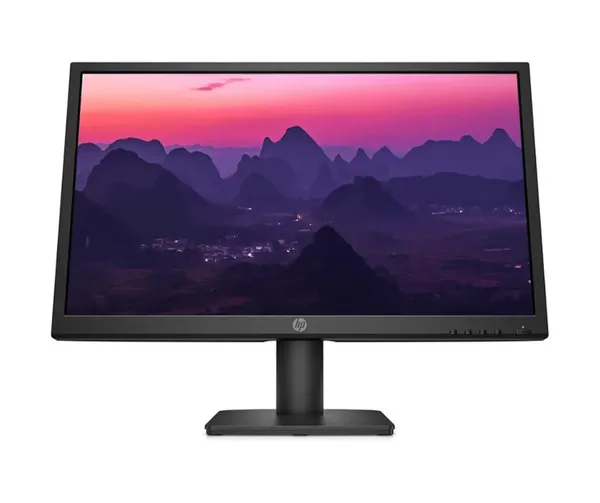

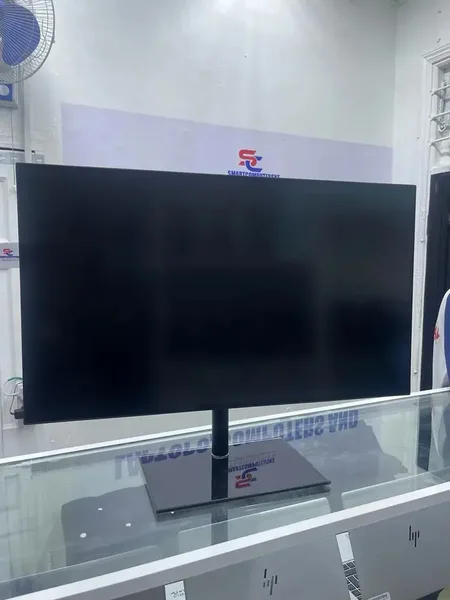


Give your work the space and clarity it demands. The Lenovo ThinkVision P27h-20 combines a 27-inch display with 2560 x 1440 resolution, so documents, browser windows, spreadsheets, images, and on-screen controls stay easier to read and manage. You see more of your workflow at once, reducing constant zooming, scrolling, and window switching.
Built for focused desktop work. A 27-inch monitor gives you a substantial viewing area without turning your desk into a multi-screen setup. It is a practical size for home offices, business workstations, study spaces, and repeat buyers replacing an older display with a sharper, more current workspace.
More pixels where they matter. The 2560 x 1440 resolution provides 3,686,400 pixels across the screen. That added screen real estate helps you keep a document open beside reference material, review detailed spreadsheets with more columns visible, or work across multiple browser-based tools without making every window feel constrained.
- 2560 x 1440 resolution: See more content in a single view. The extra workspace supports side-by-side documents, larger spreadsheets, detailed dashboards, and less time spent moving between tabs.
- 27-inch screen: Create a comfortable central workspace for daily tasks. The larger display area makes it easier to organise applications in a way that matches how you work.
- WLED display technology: The WLED panel is the core display technology behind this ThinkVision monitor, delivering the specified 2560 x 1440 image across its full 27-inch screen.
- USB-C connectivity: Keep USB-C compatibility in your monitor shortlist. This connection suits users whose computers and accessories already use the widely adopted USB-C connector format.
- ThinkVision P27h-20 model: Choose a clearly specified Lenovo monitor with defined screen size, resolution, display technology, and USB-C inclusion rather than relying on vague monitor listings.
Make complex work easier to view. A higher-resolution desktop display changes how everyday information fits on screen. Financial tables can show more columns. Written reports can sit next to source material. Project boards, communication tools, and web applications can remain visible together. The result is a desktop layout that feels more orderly and requires fewer interruptions.
Use the 27-inch format to build a more deliberate workstation. For many users, the challenge is not finding more applications. It is seeing the applications they already rely on without repeatedly covering one with another. The P27h-20 provides a defined 27-inch canvas for arranging work in a way that supports concentration. Keep your primary task prominent while retaining access to supporting information.
USB-C keeps the monitor relevant to current device choices. USB-C is included as part of this monitor’s connection offering, making the ThinkVision P27h-20 a logical option for buyers using USB-C-equipped laptops, desktops, and accessories. Connection requirements differ by device and setup, so confirm compatibility with your specific equipment before purchase. The key advantage is clear: USB-C is already part of the monitor’s stated specification.
Choose detail without losing usable physical scale. The P27h-20 pairs its 2560 x 1440 resolution with a 27-inch panel rather than relying on screen size alone. That combination gives the display a meaningful role in daily work. You gain room for more visible information while still working from a single, defined screen that is straightforward to position within a desk setup.
Designed for practical, screen-heavy routines. This Lenovo monitor suits people who spend extended periods managing information on a computer. It fits administrative work, remote working, research, online learning, coding environments, document review, planning, and personal desktop use. It also makes sense for users who want a dedicated display rather than depending exclusively on a laptop screen for every task.
Clear specifications support a confident decision. The core details are direct: Lenovo ThinkVision P27h-20, WLED display technology, a 27-inch screen, 2560 x 1440 resolution, and USB-C. These are the details that define its place in a modern workstation. If your priority is a larger, higher-resolution display with USB-C included, this monitor addresses that requirement with a focused specification set.
What does 2560 x 1440 mean for daily use? It means the screen is made up of 3,686,400 pixels. More pixels give software, text, images, and on-screen layouts a larger digital area to occupy. This is particularly useful when your work involves multiple documents, detailed interfaces, or reference-heavy tasks.
Who is the Lenovo ThinkVision P27h-20 for? It is for buyers who want a 27-inch monitor with 2560 x 1440 resolution and USB-C stated in the product specification. It is especially relevant if you are updating an older monitor, improving a home-office desk, or building a more capable desktop environment around your existing computer.
Bring more of your work into view with the Lenovo ThinkVision P27h-20. Choose this 27-inch WLED monitor for a defined 2560 x 1440 workspace and USB-C connectivity.


